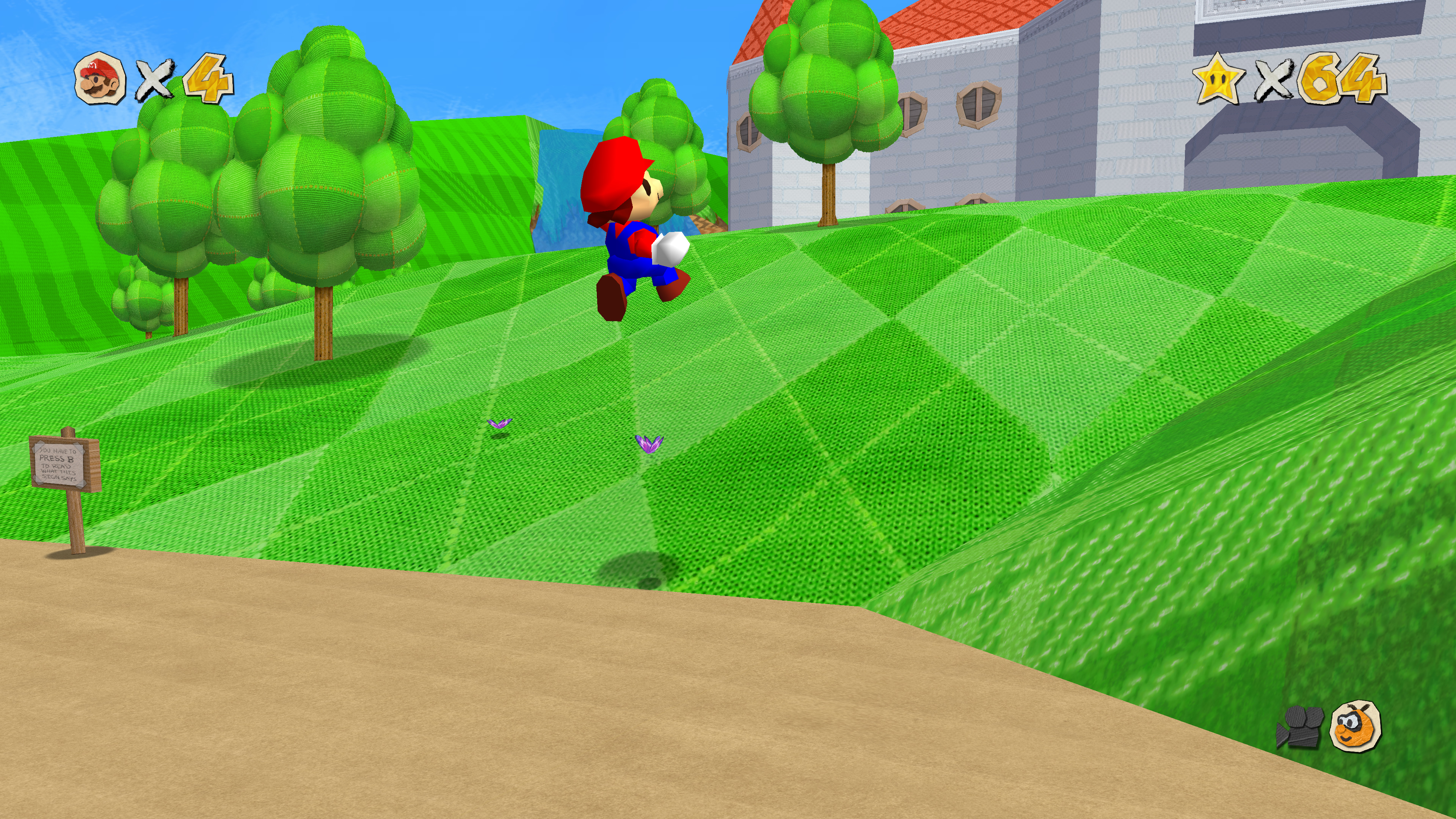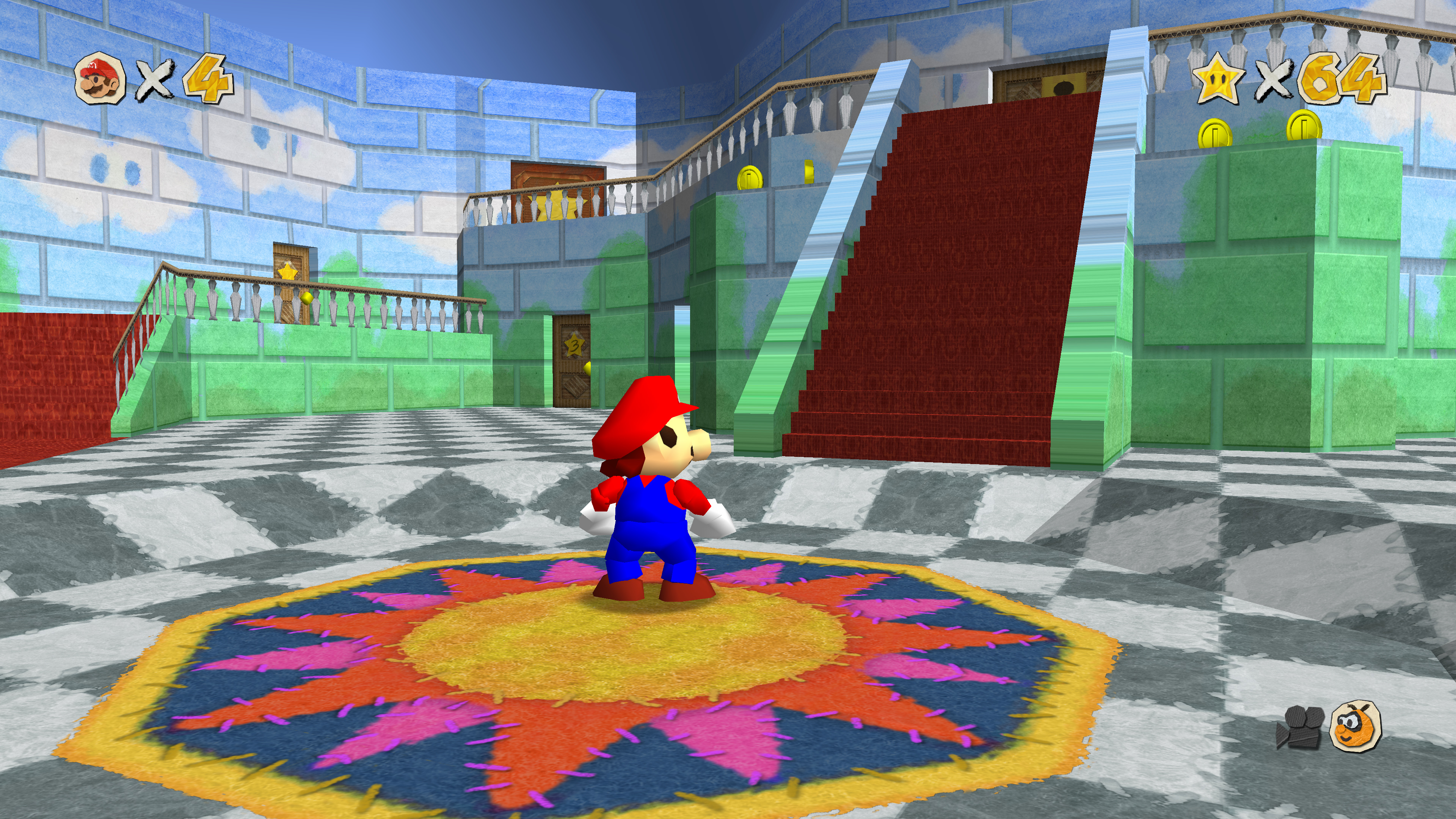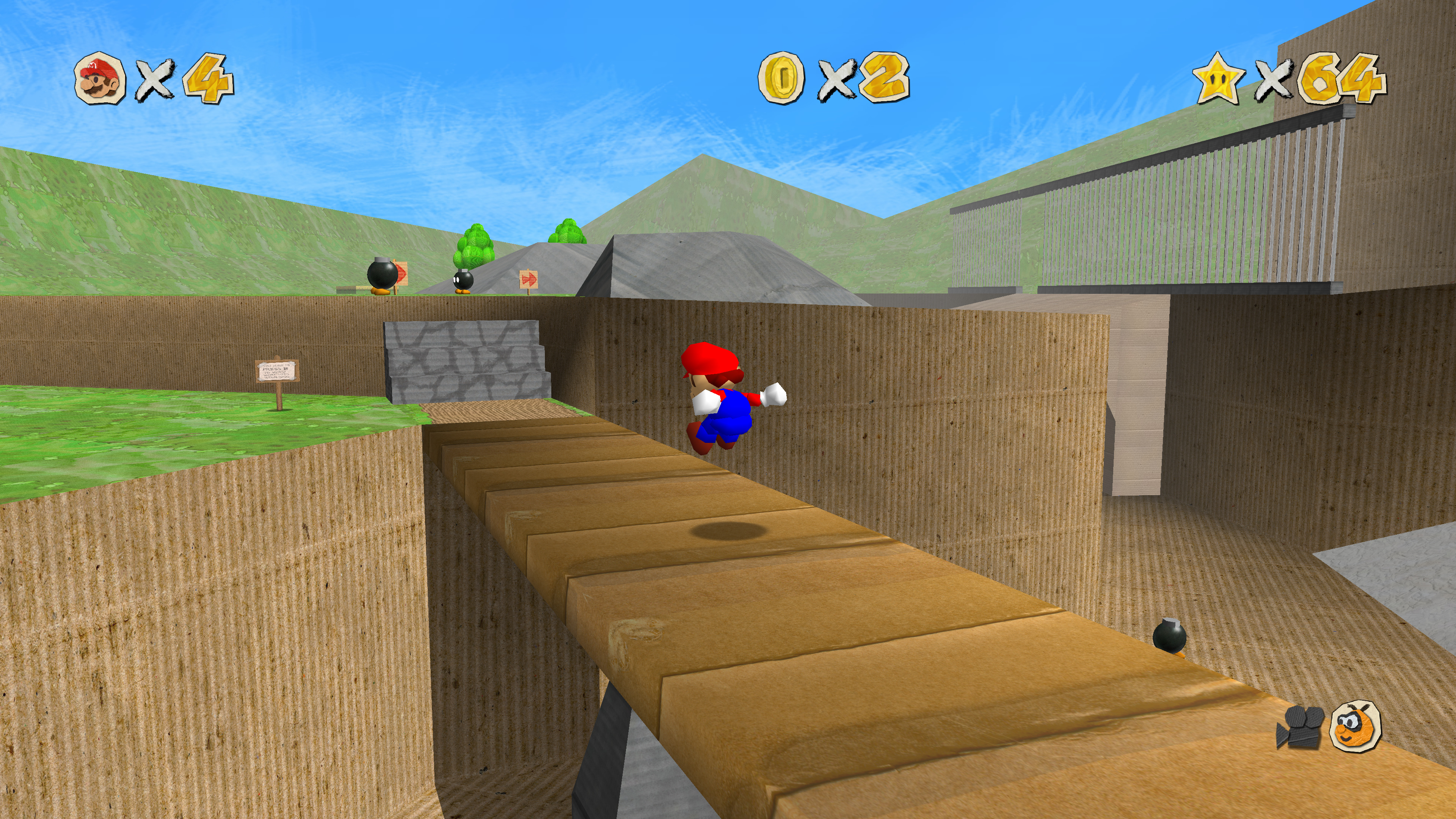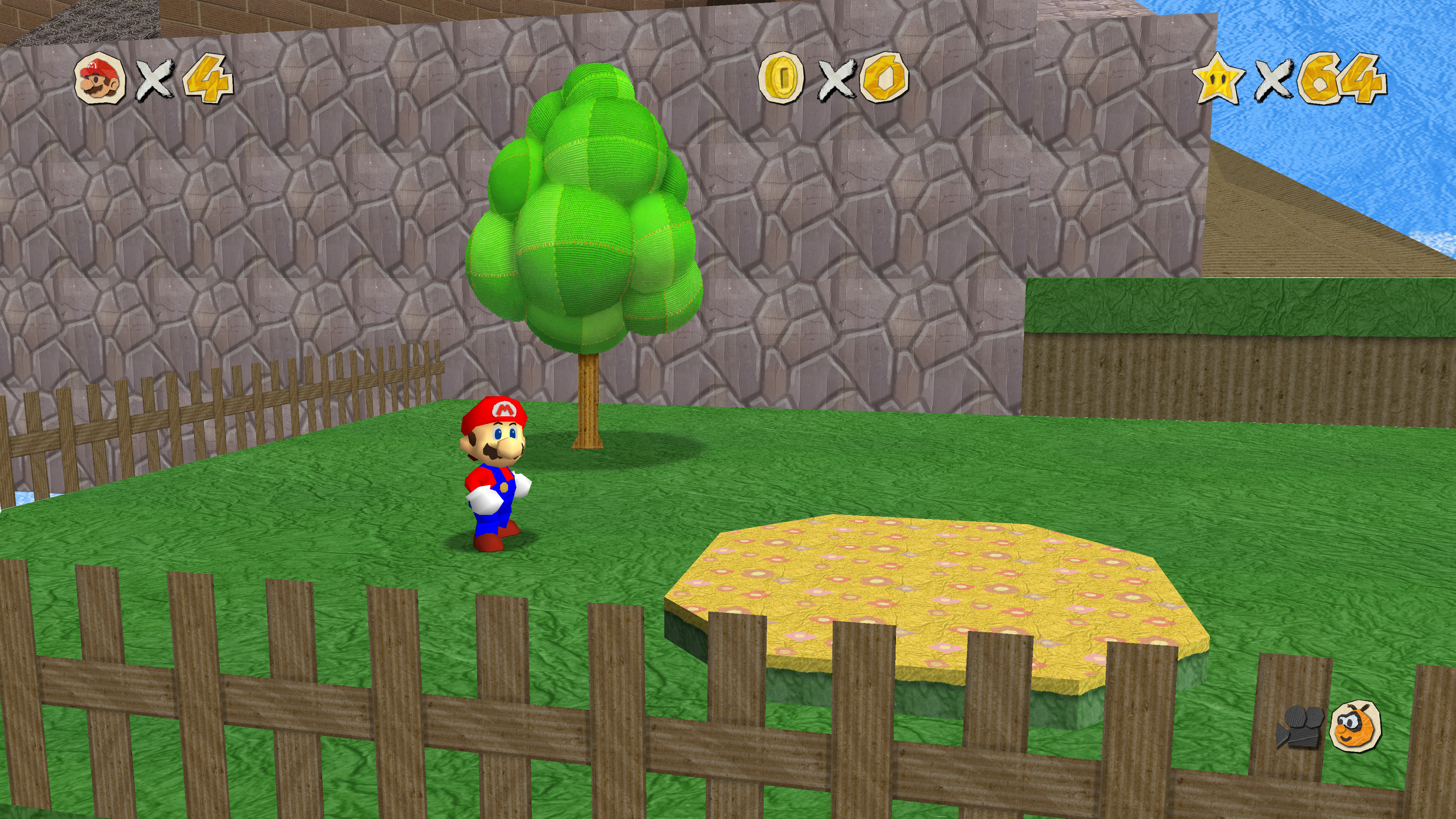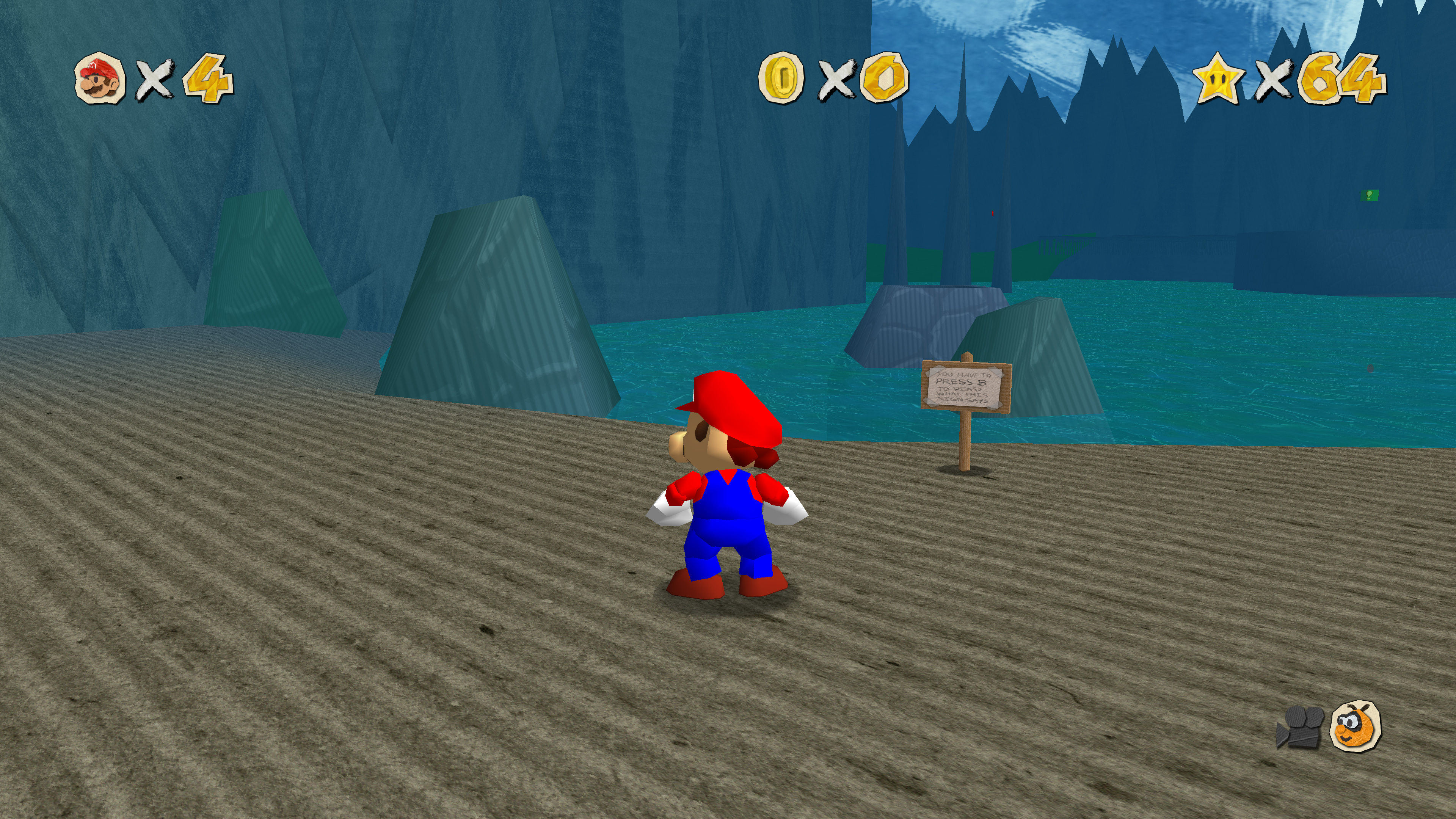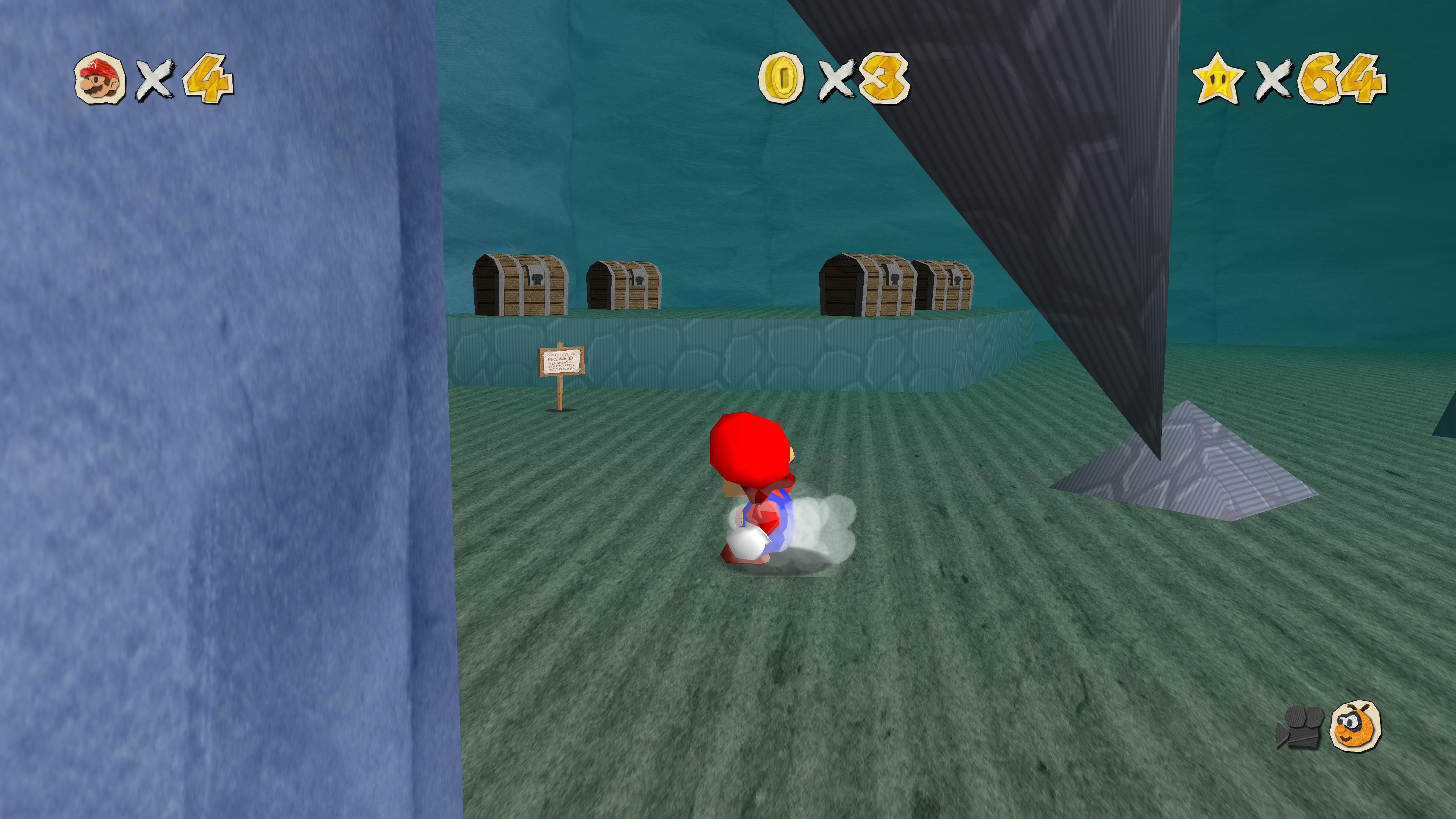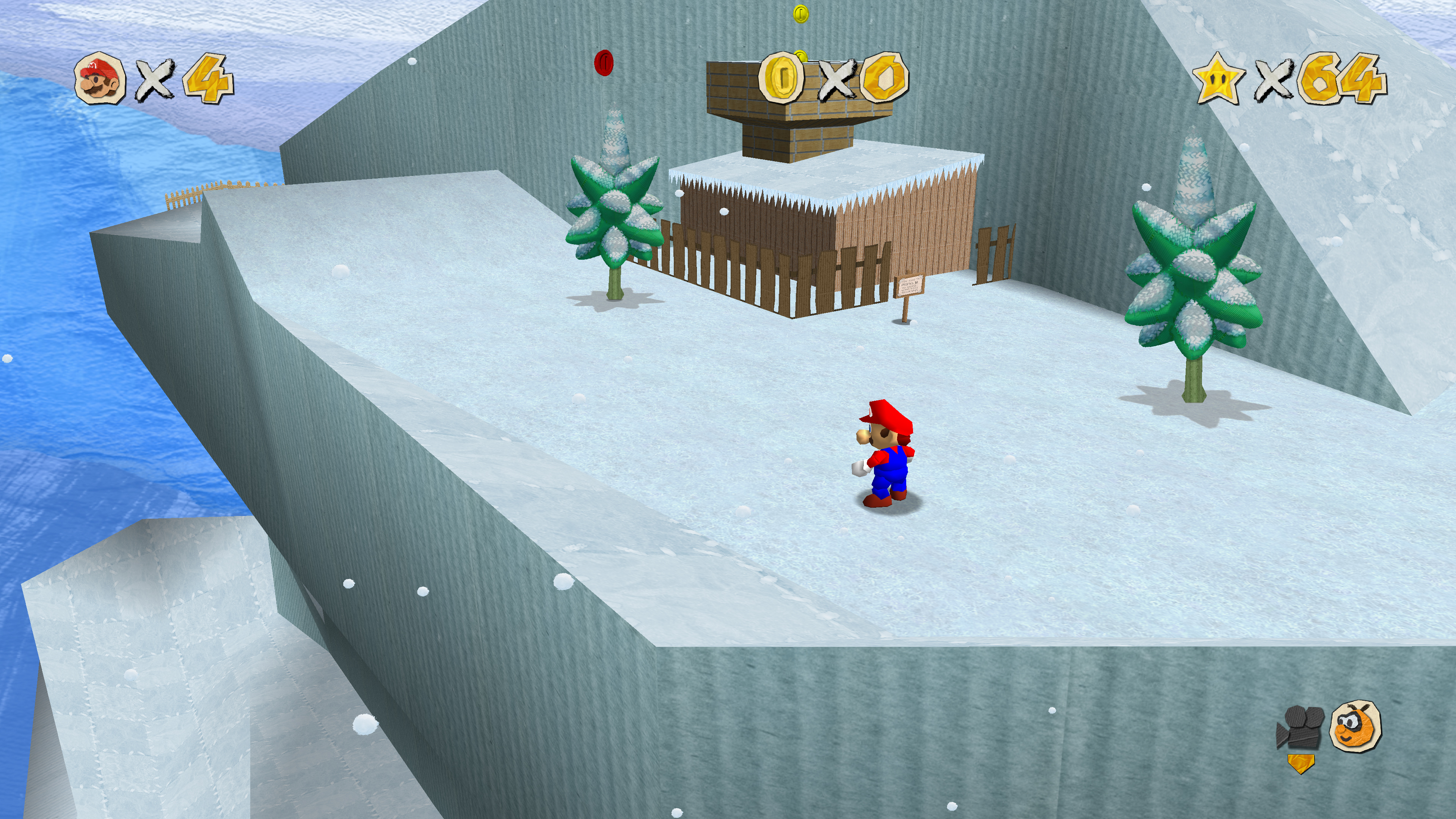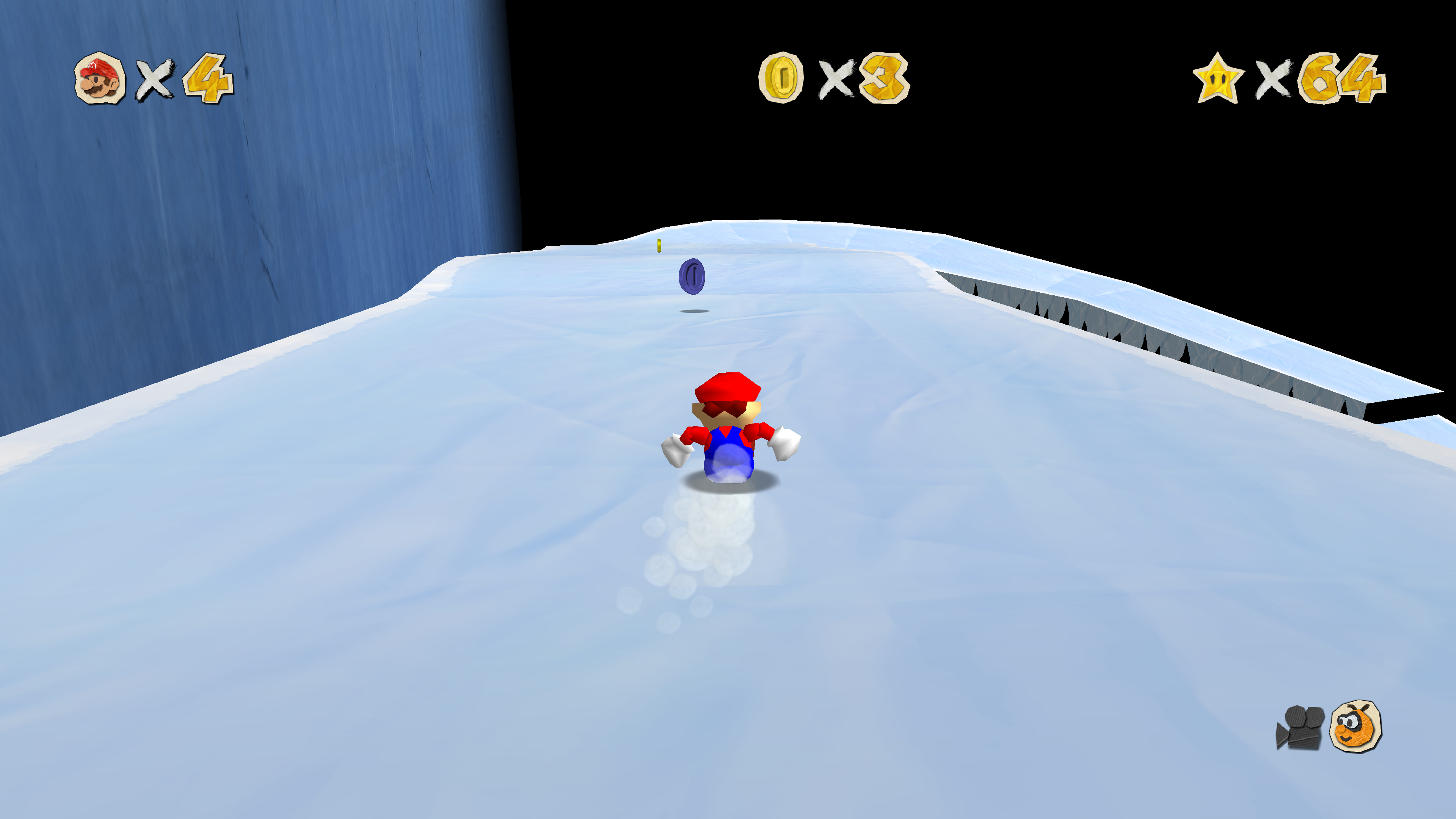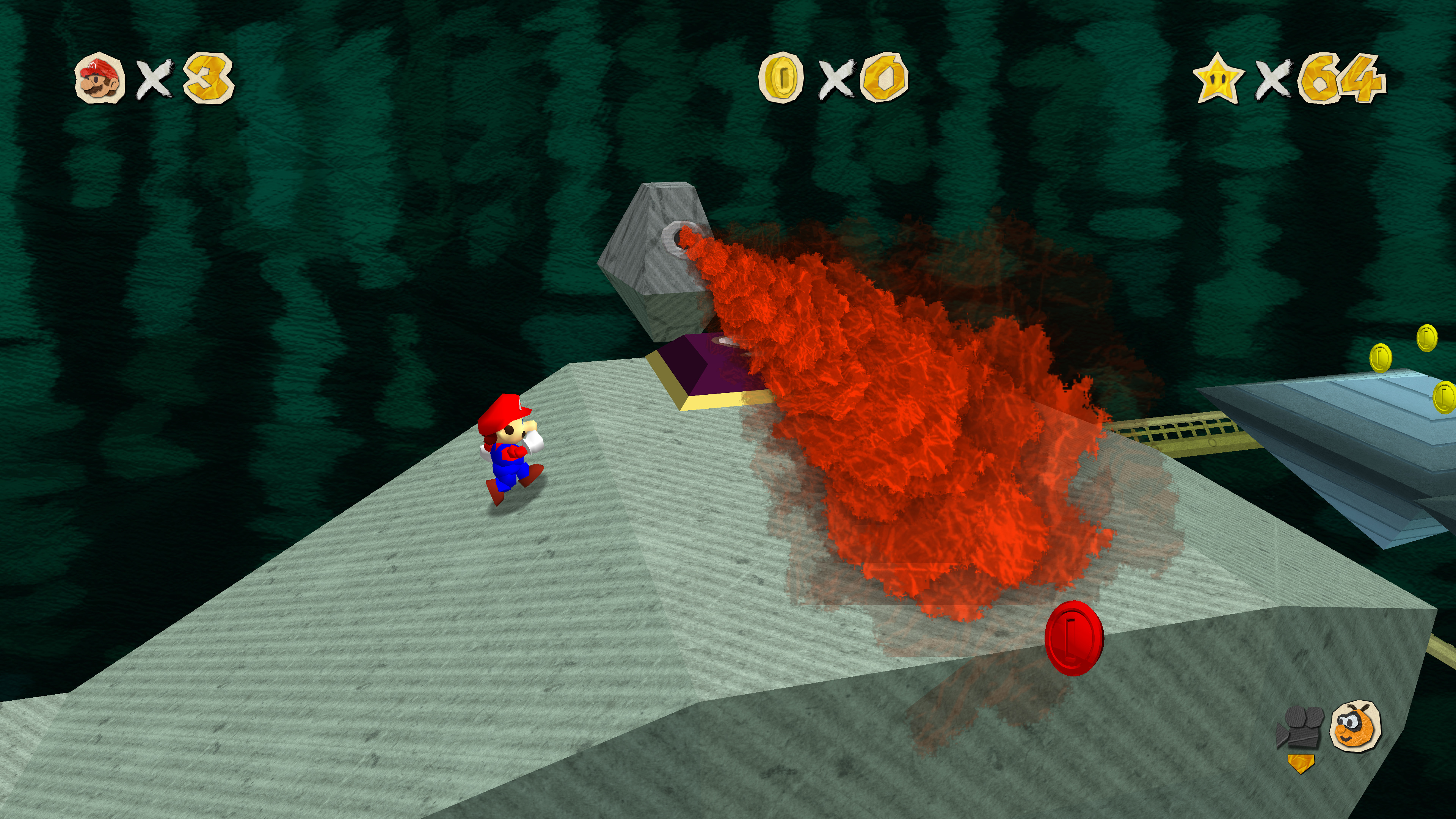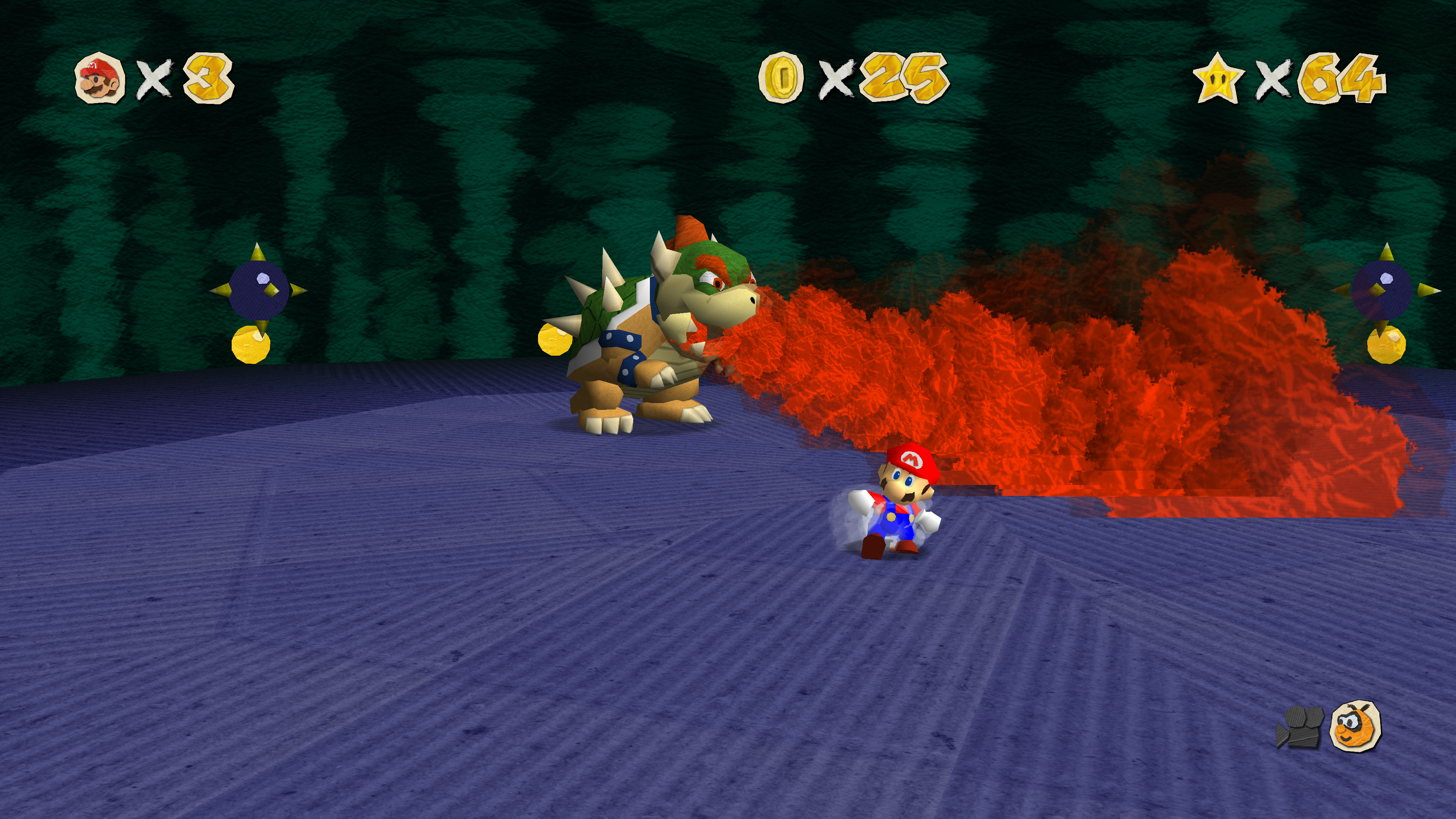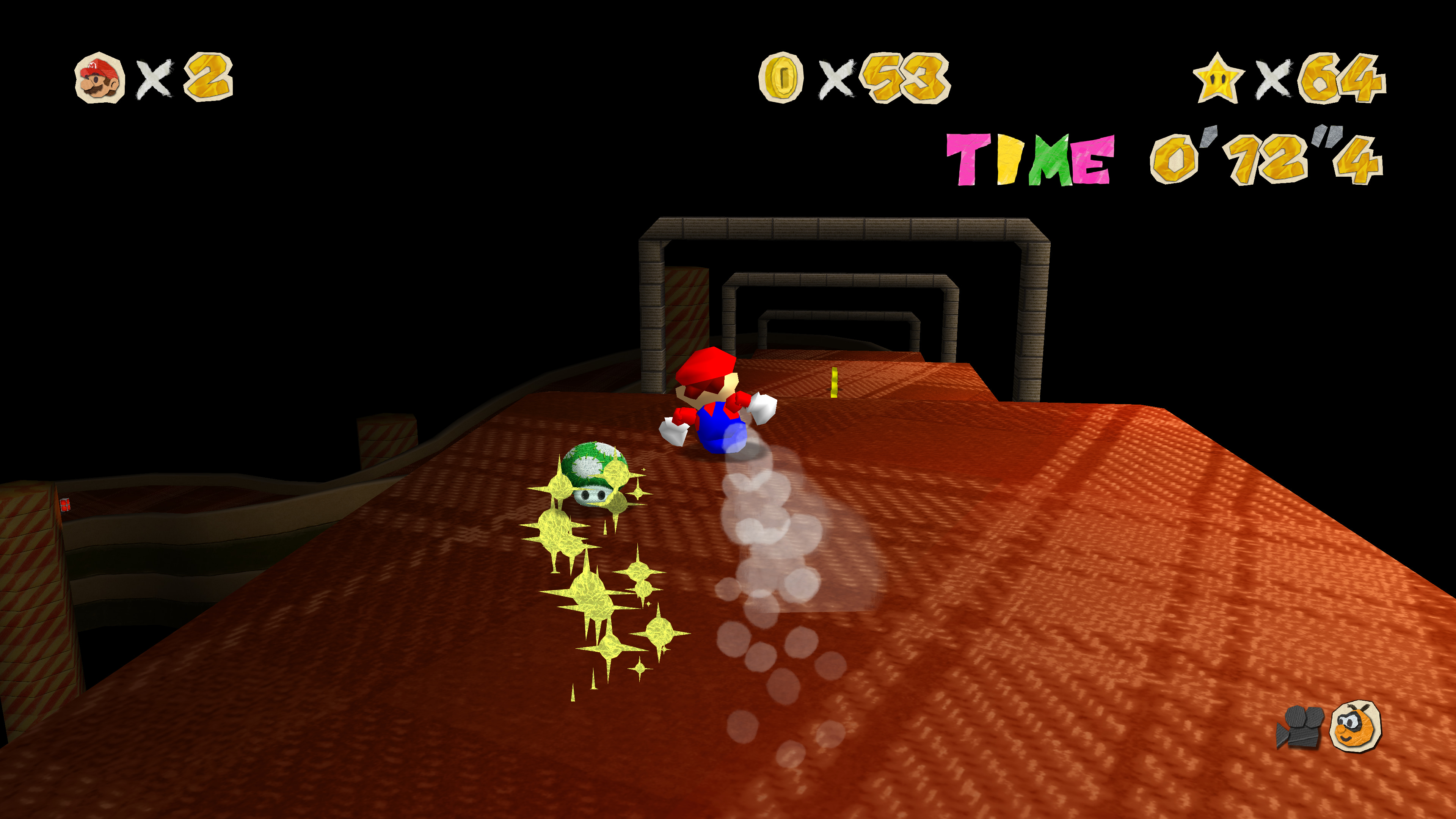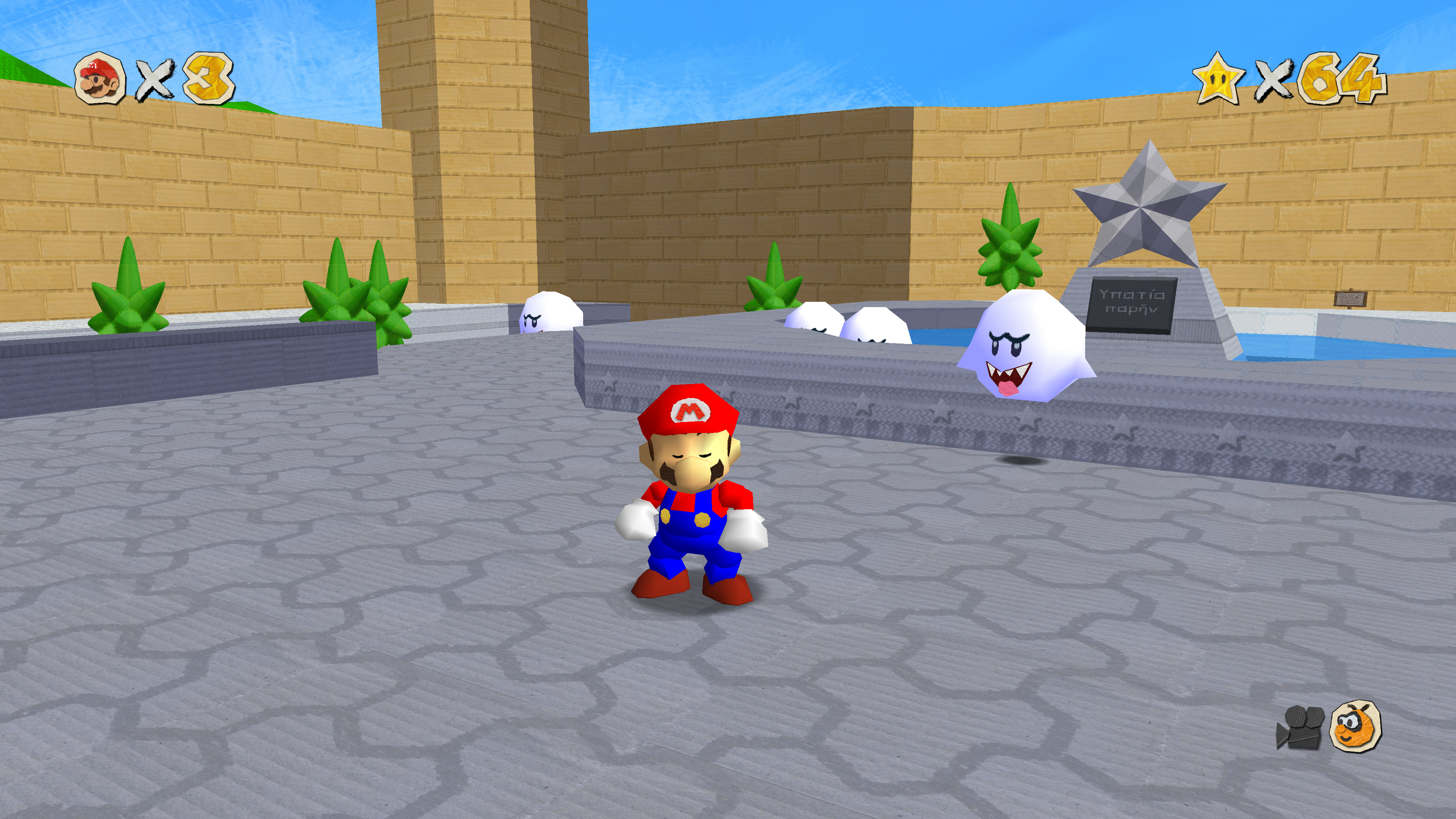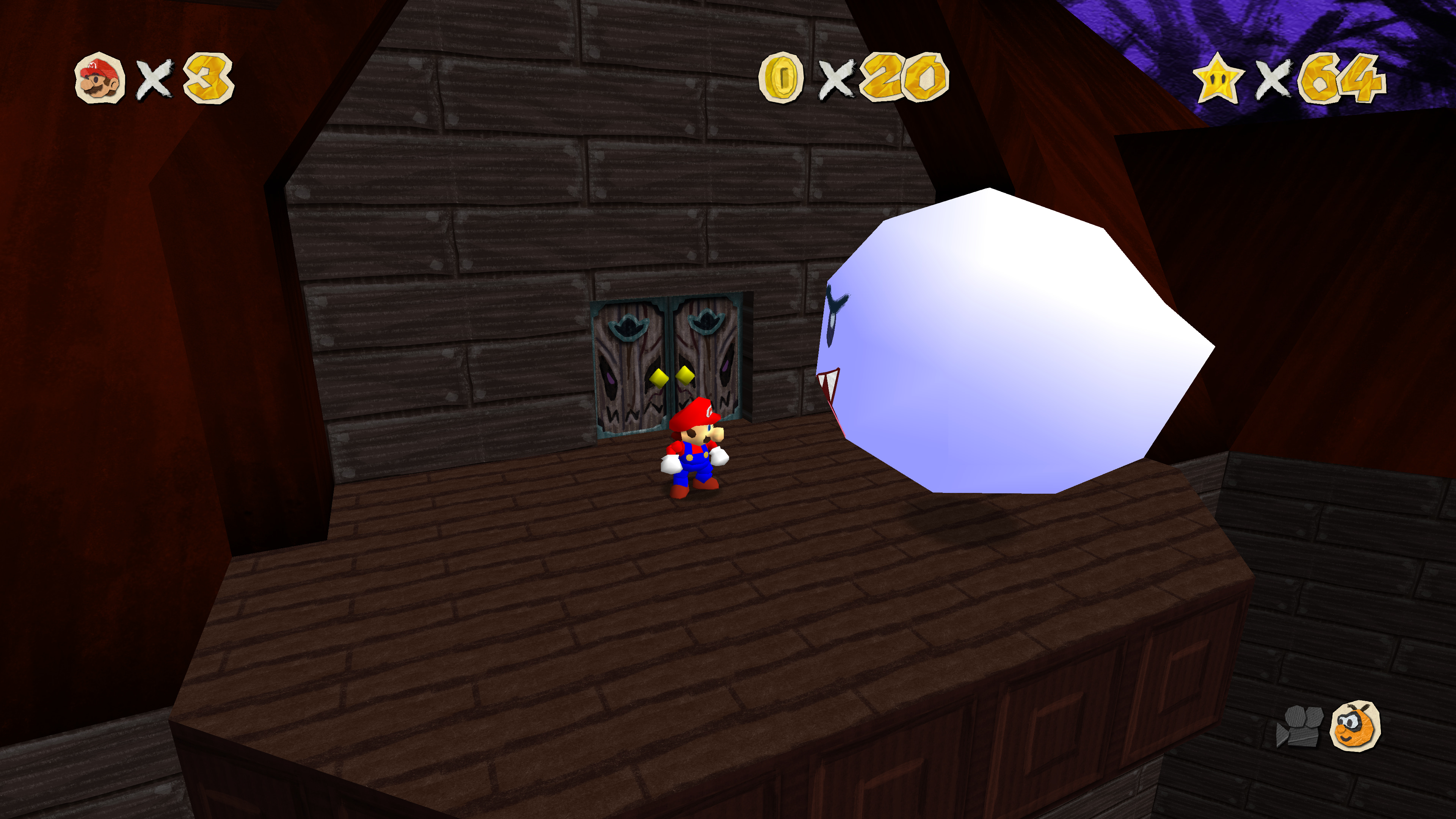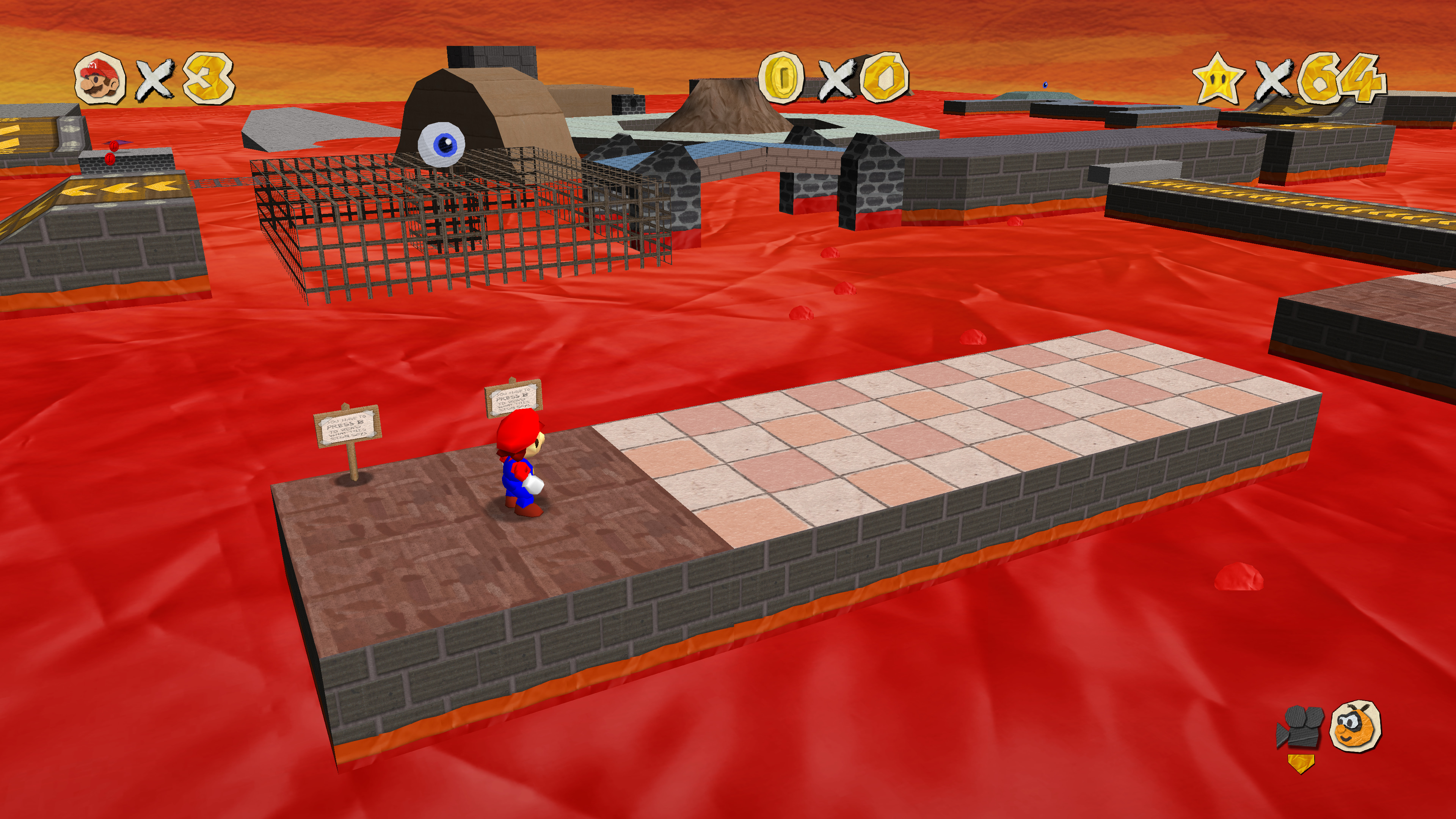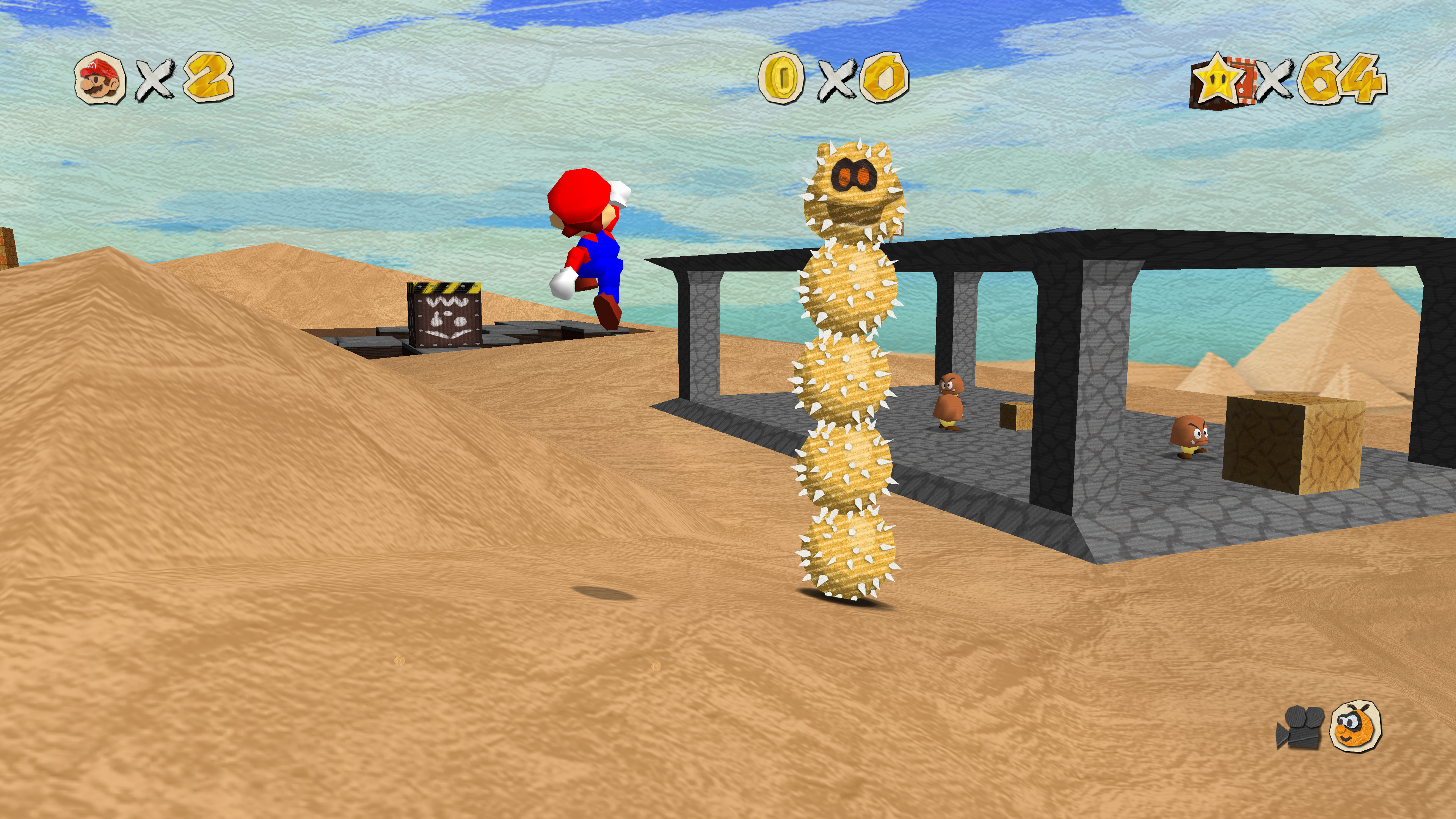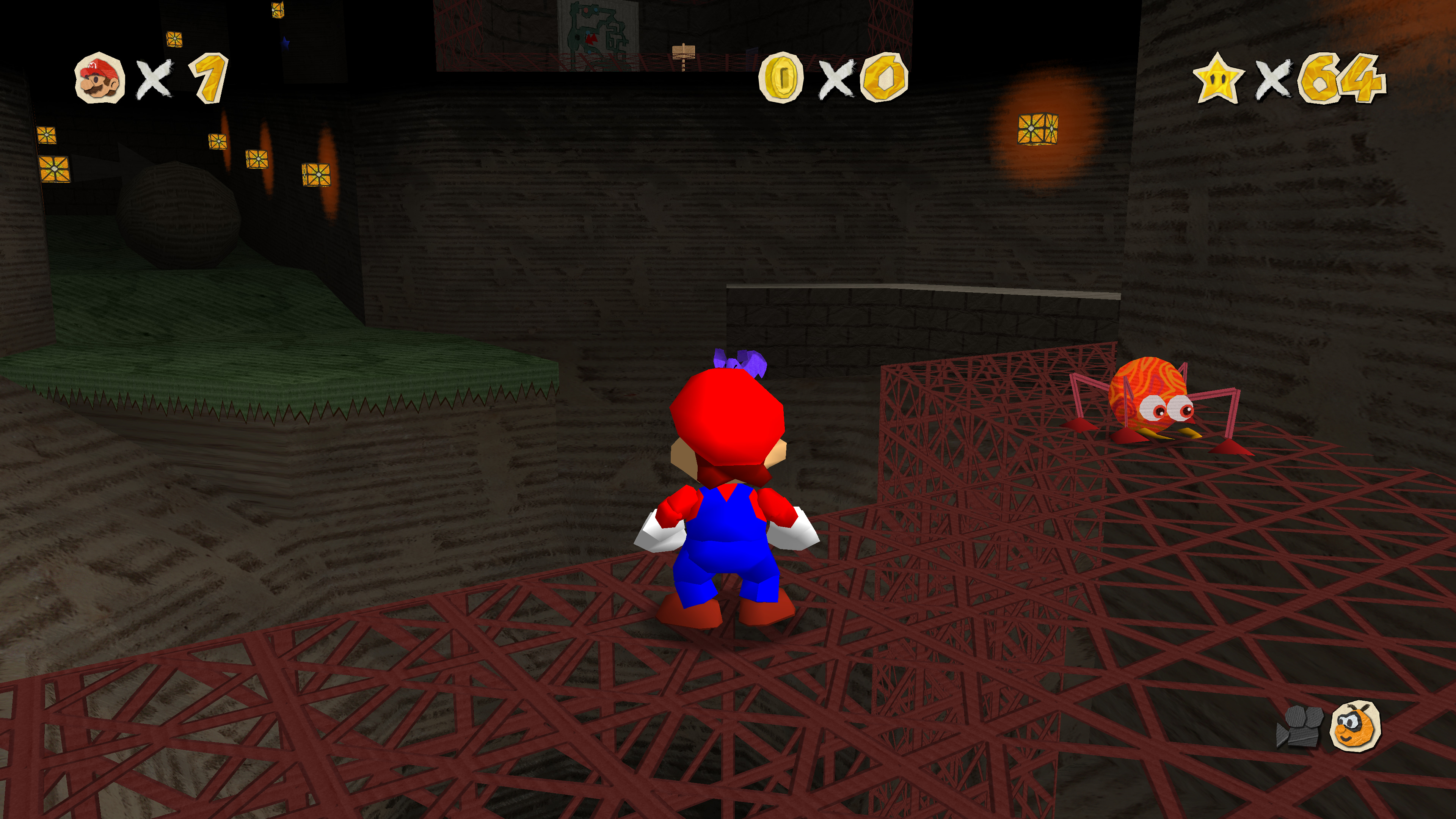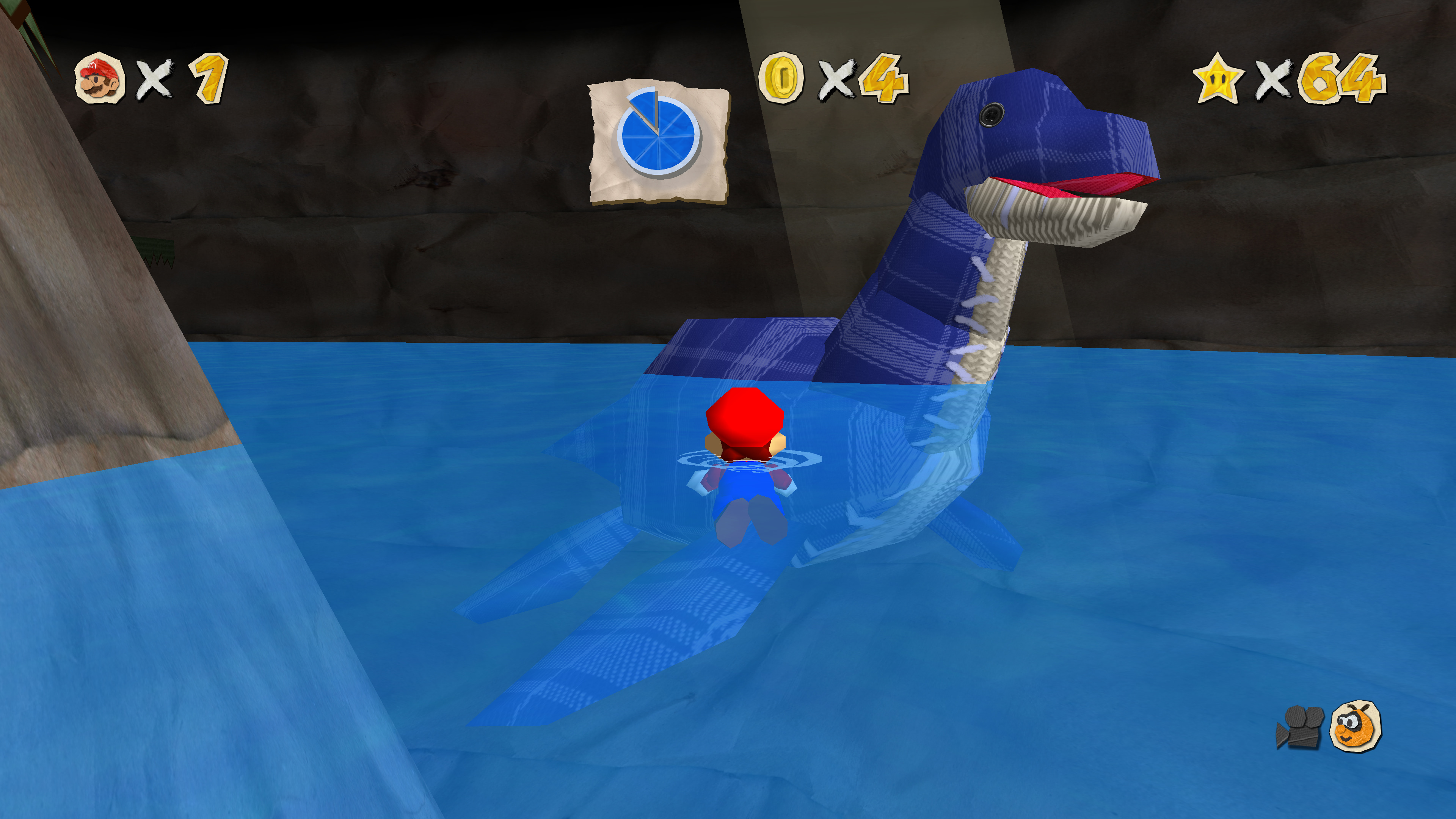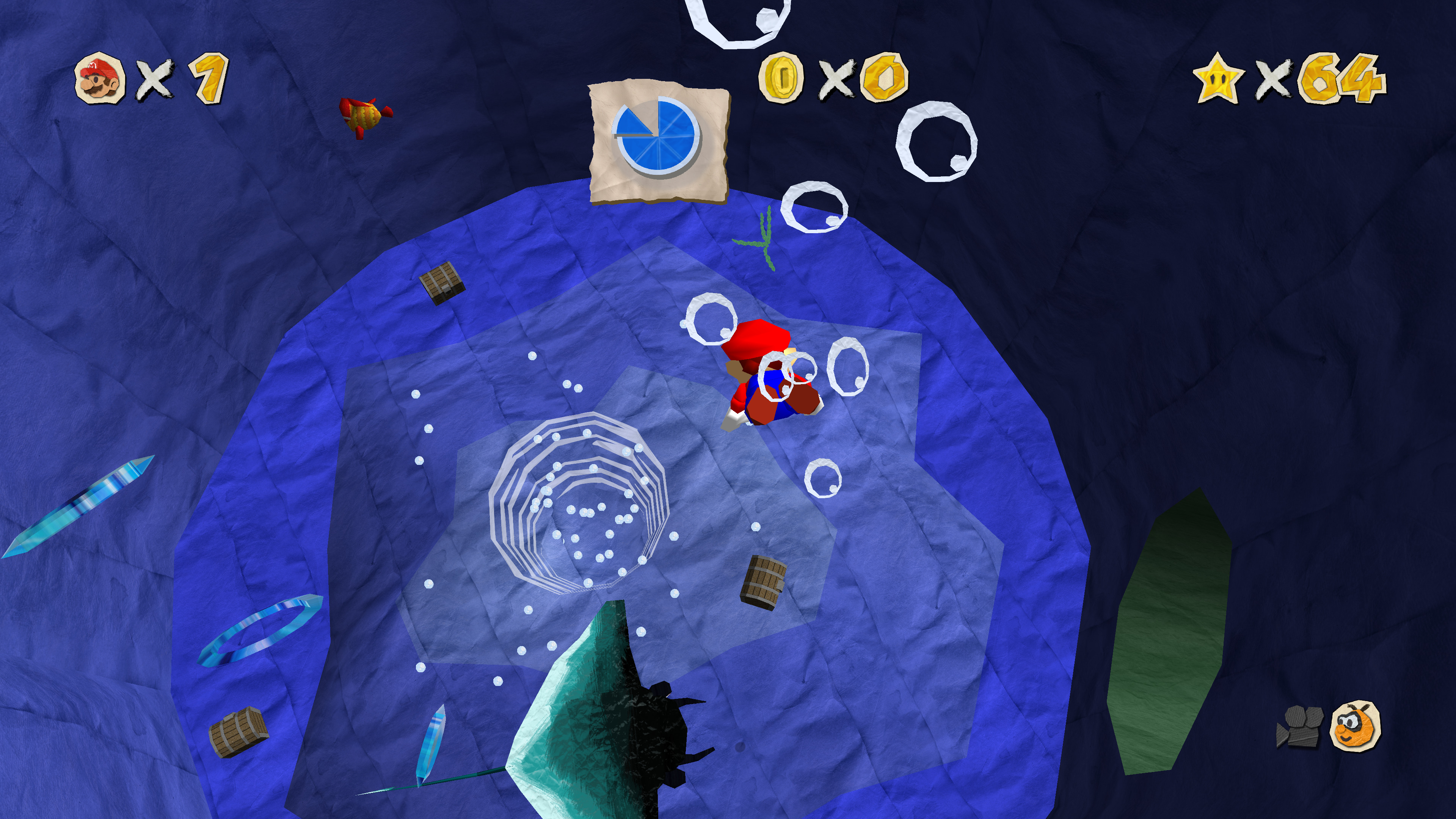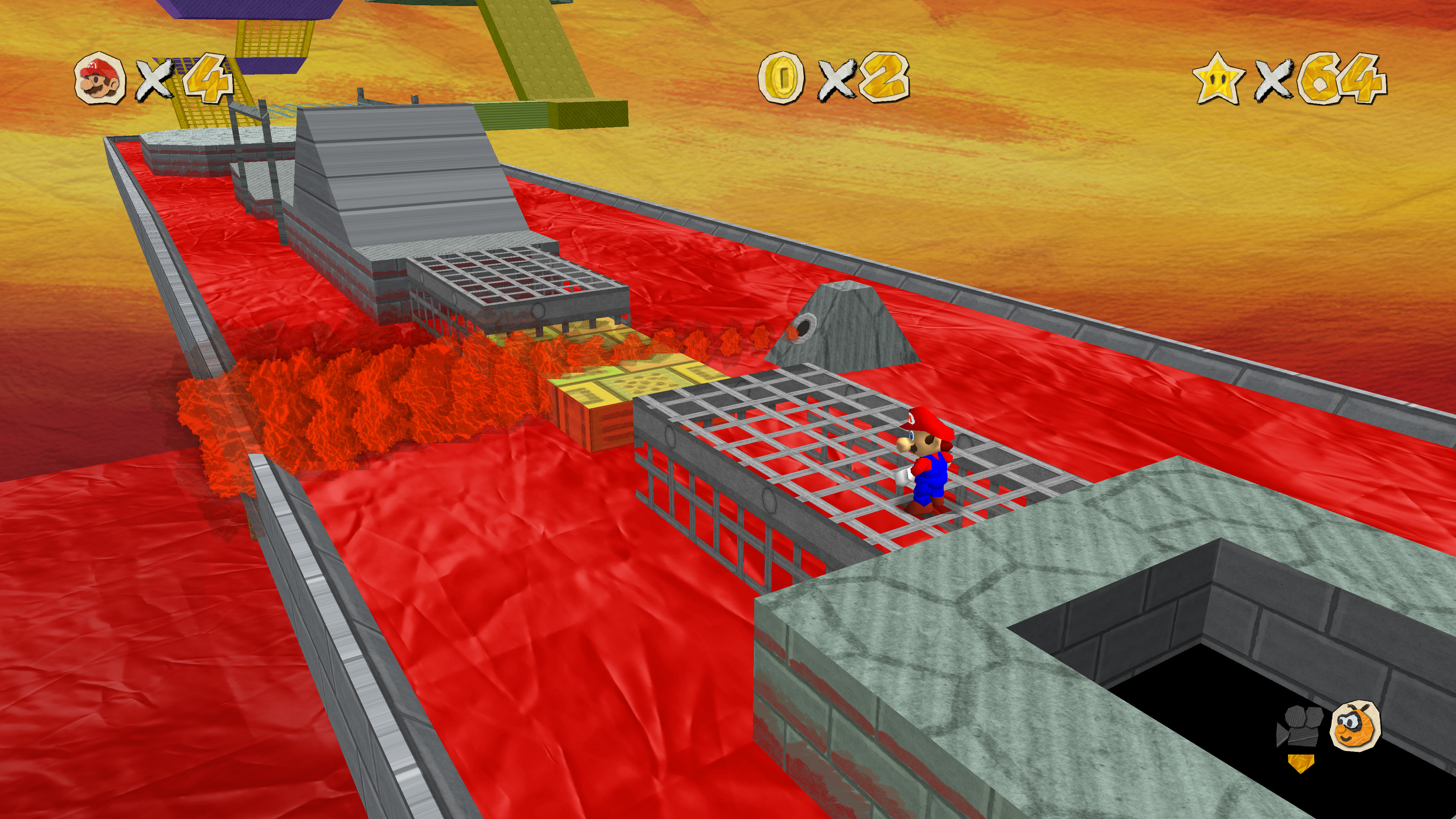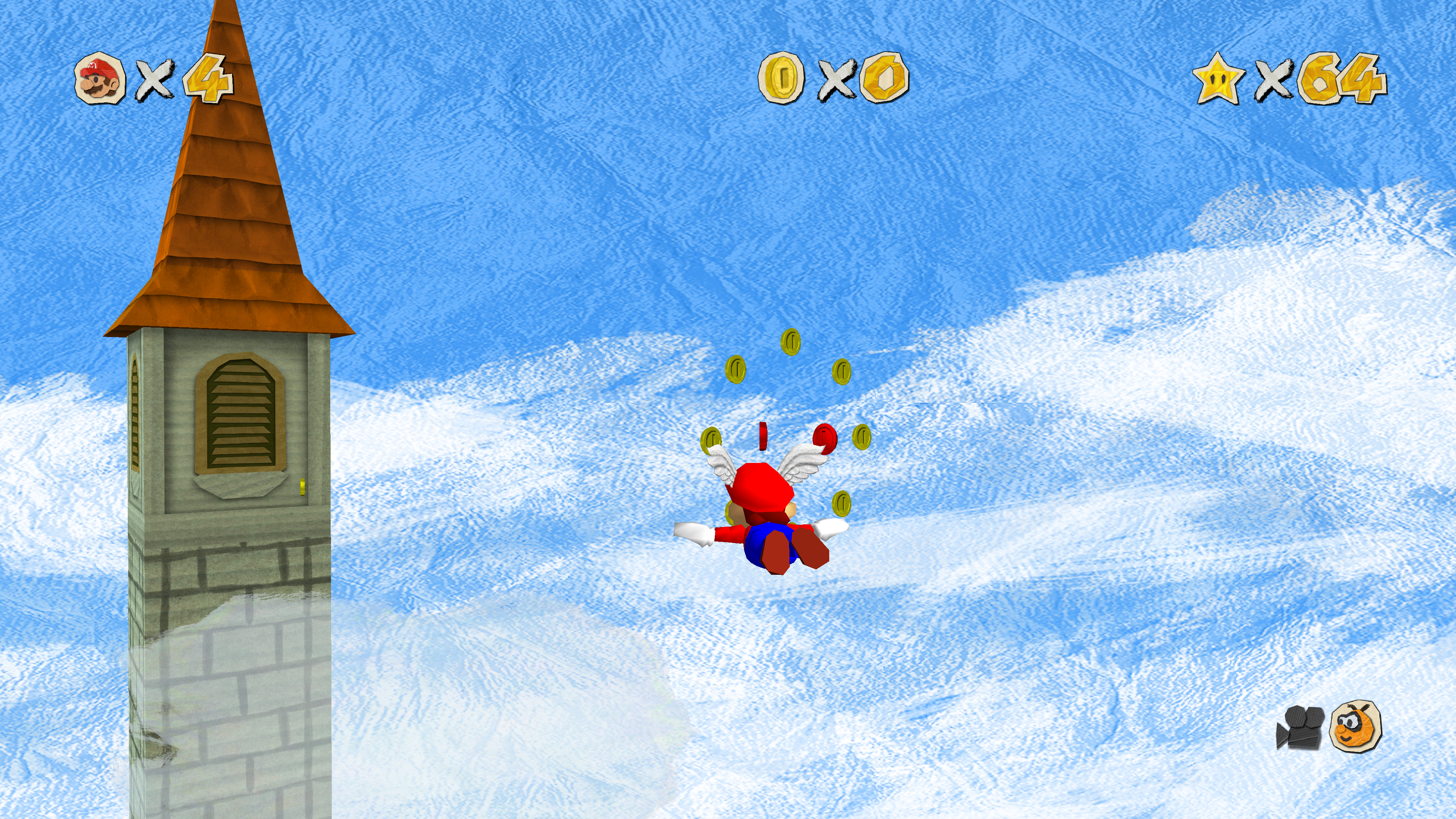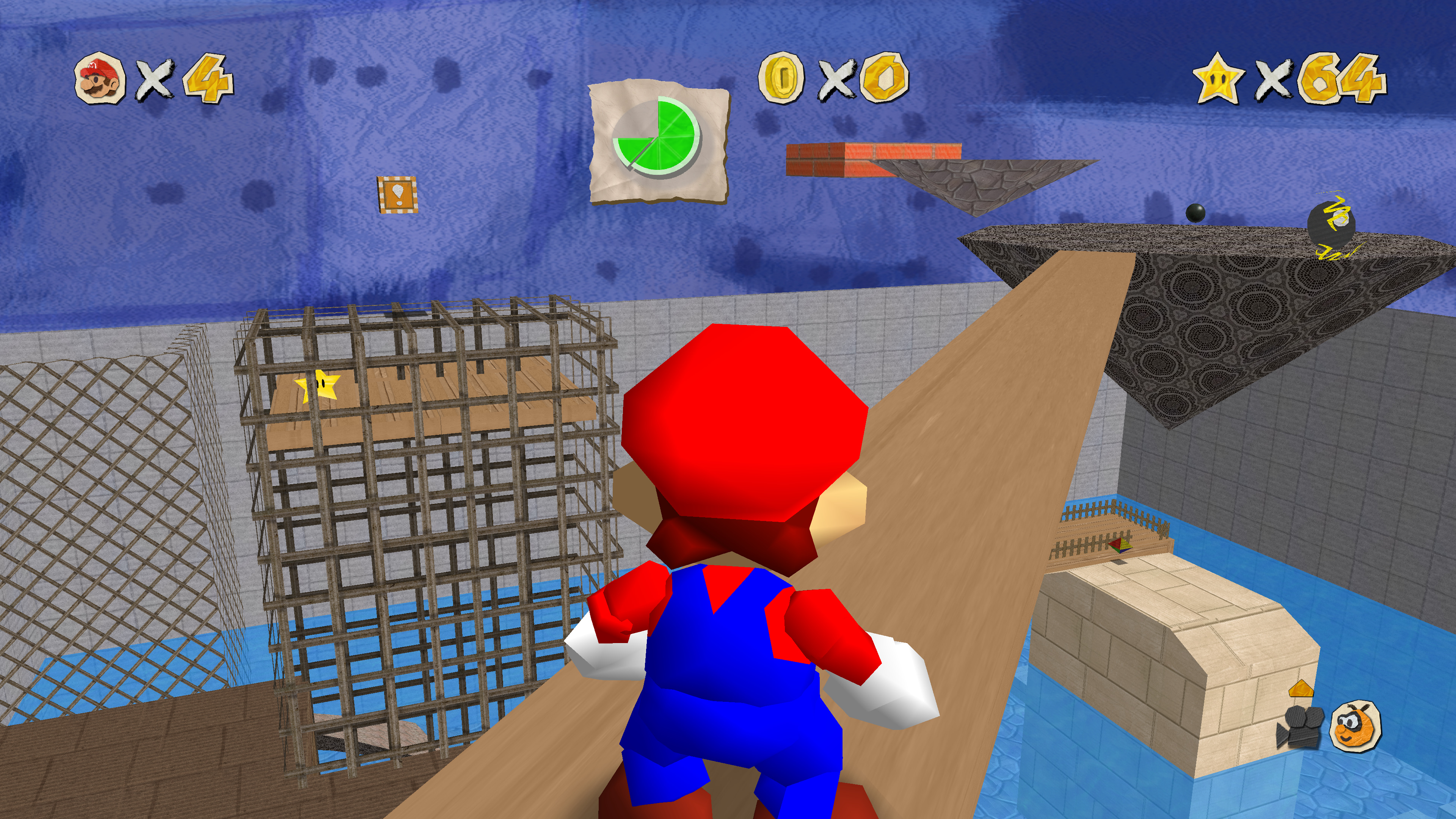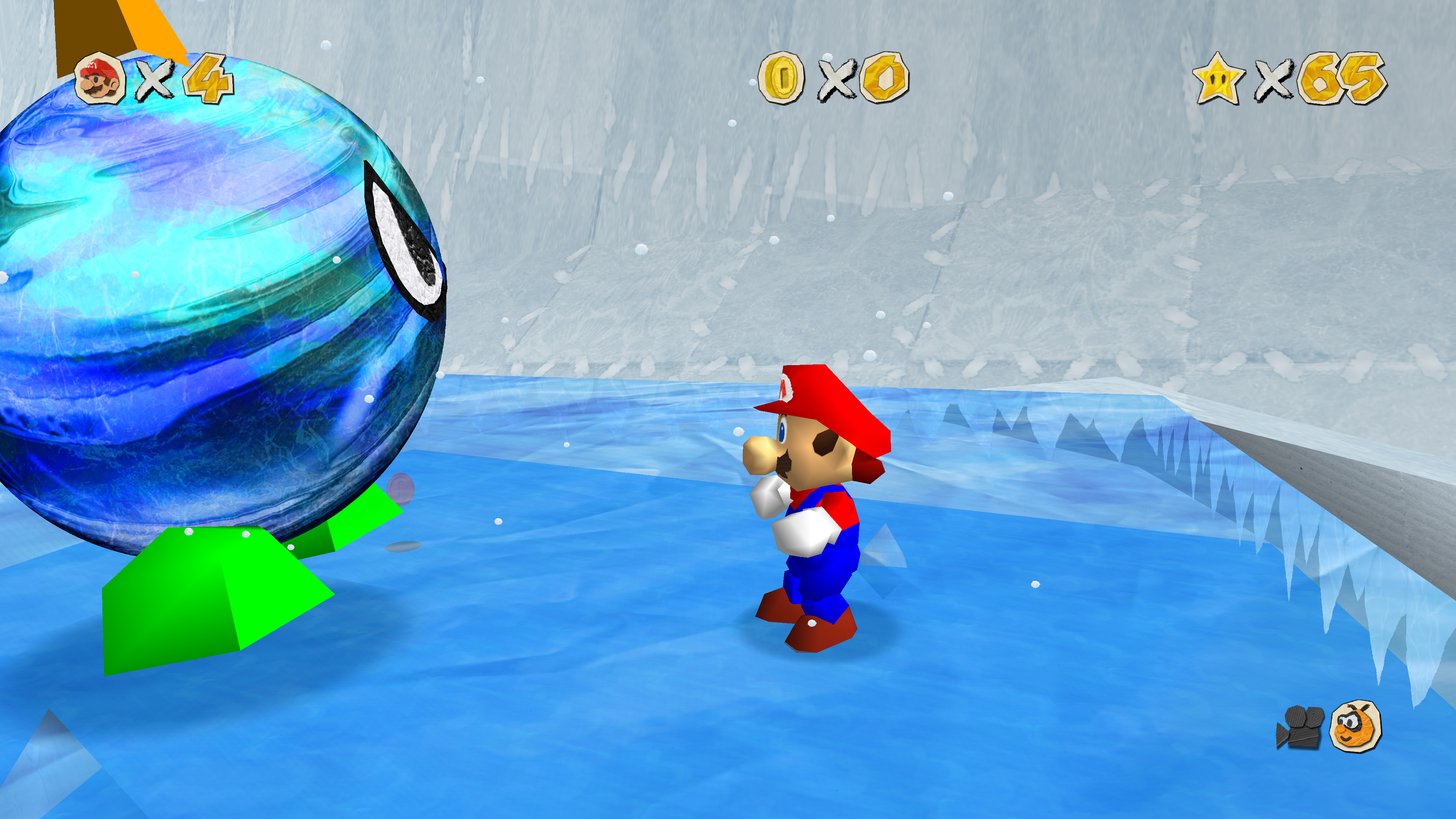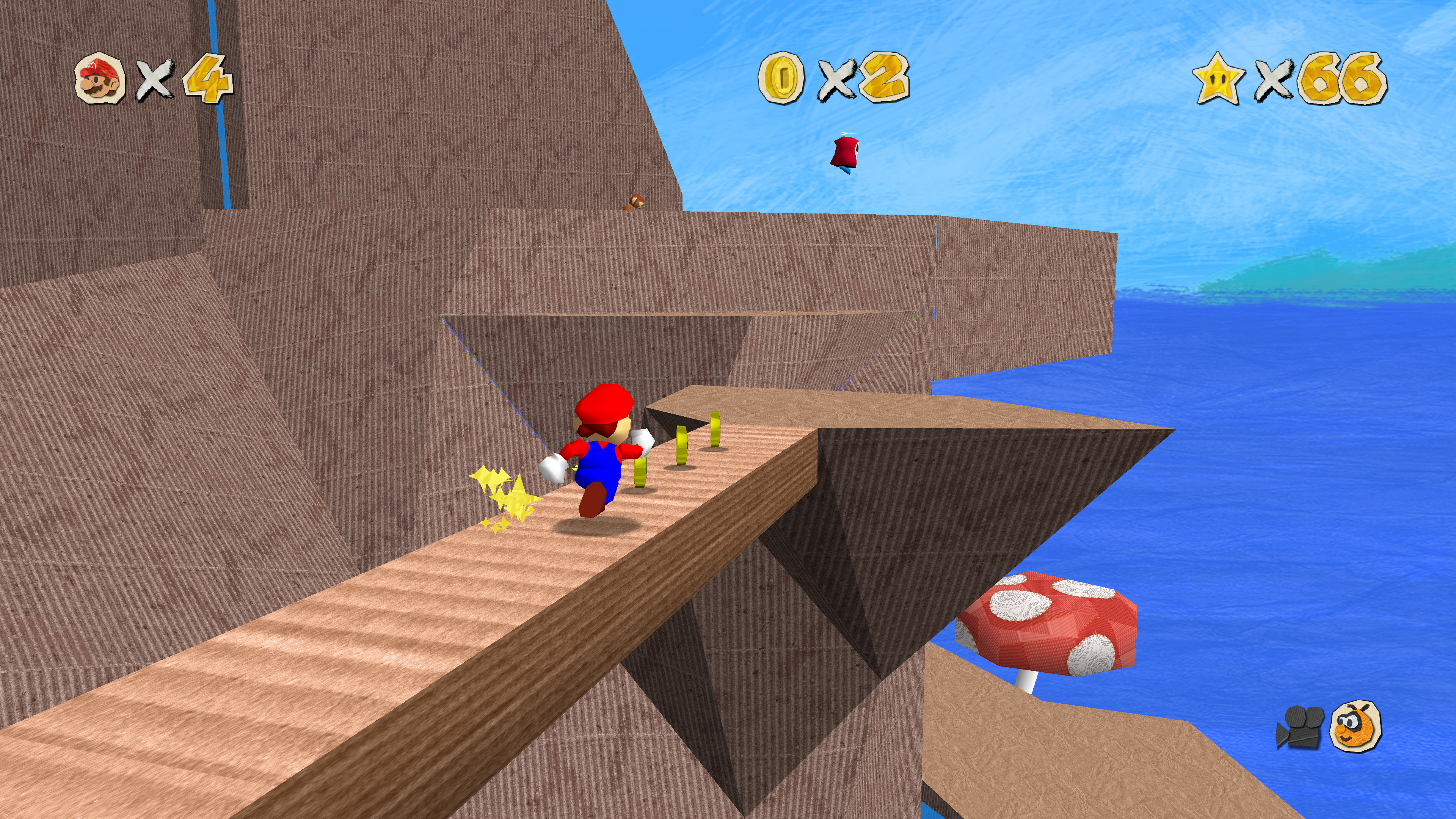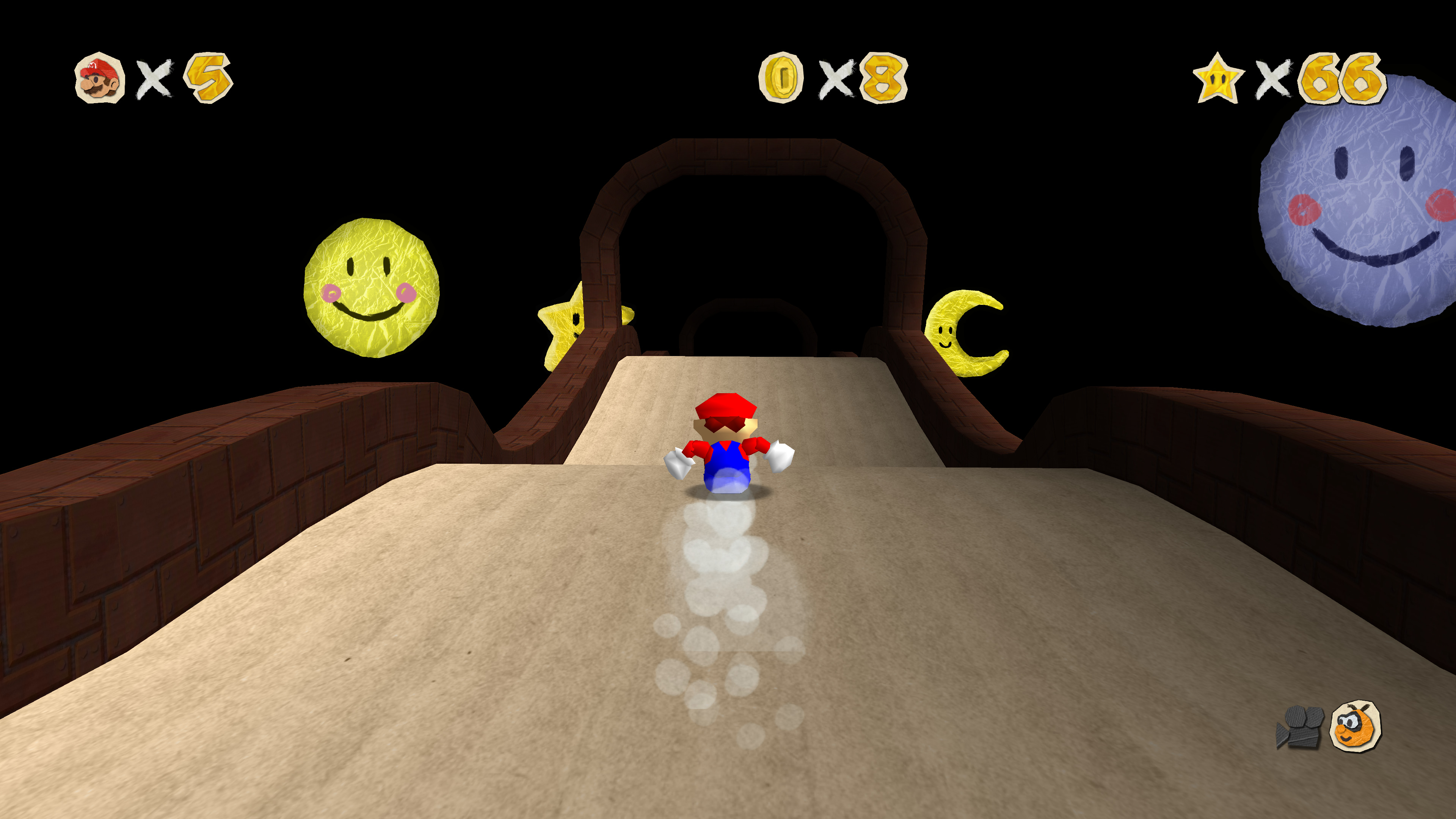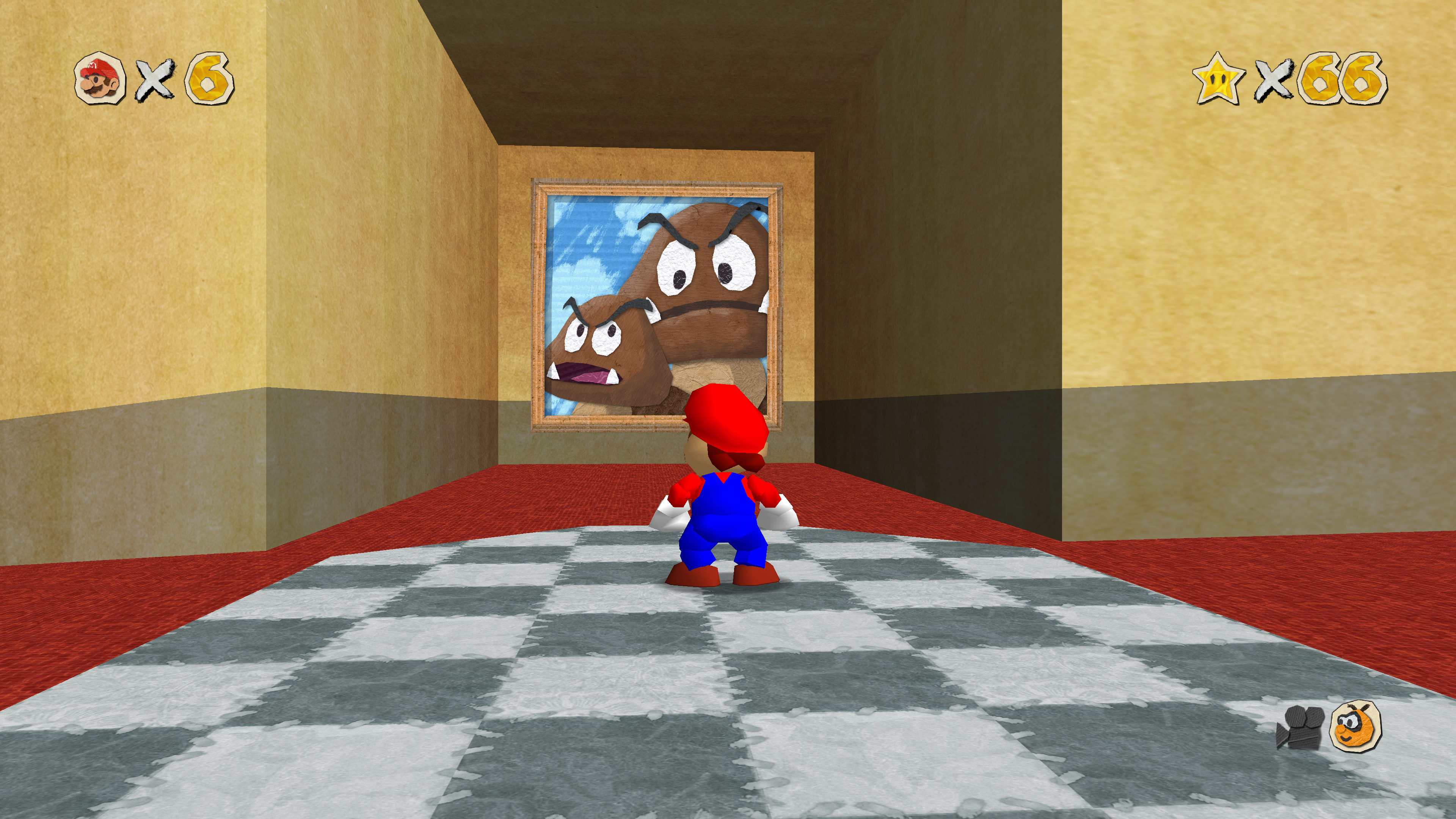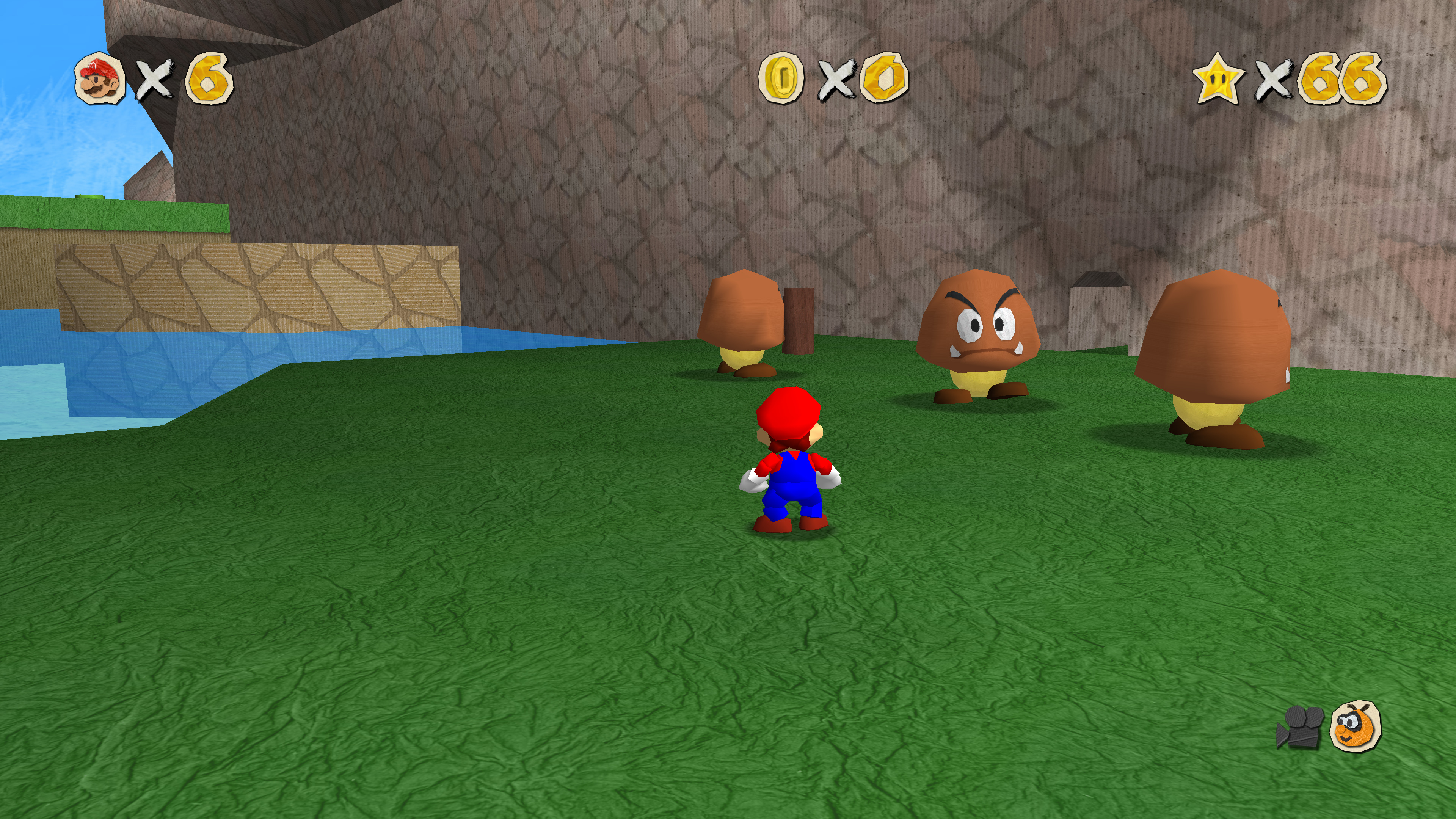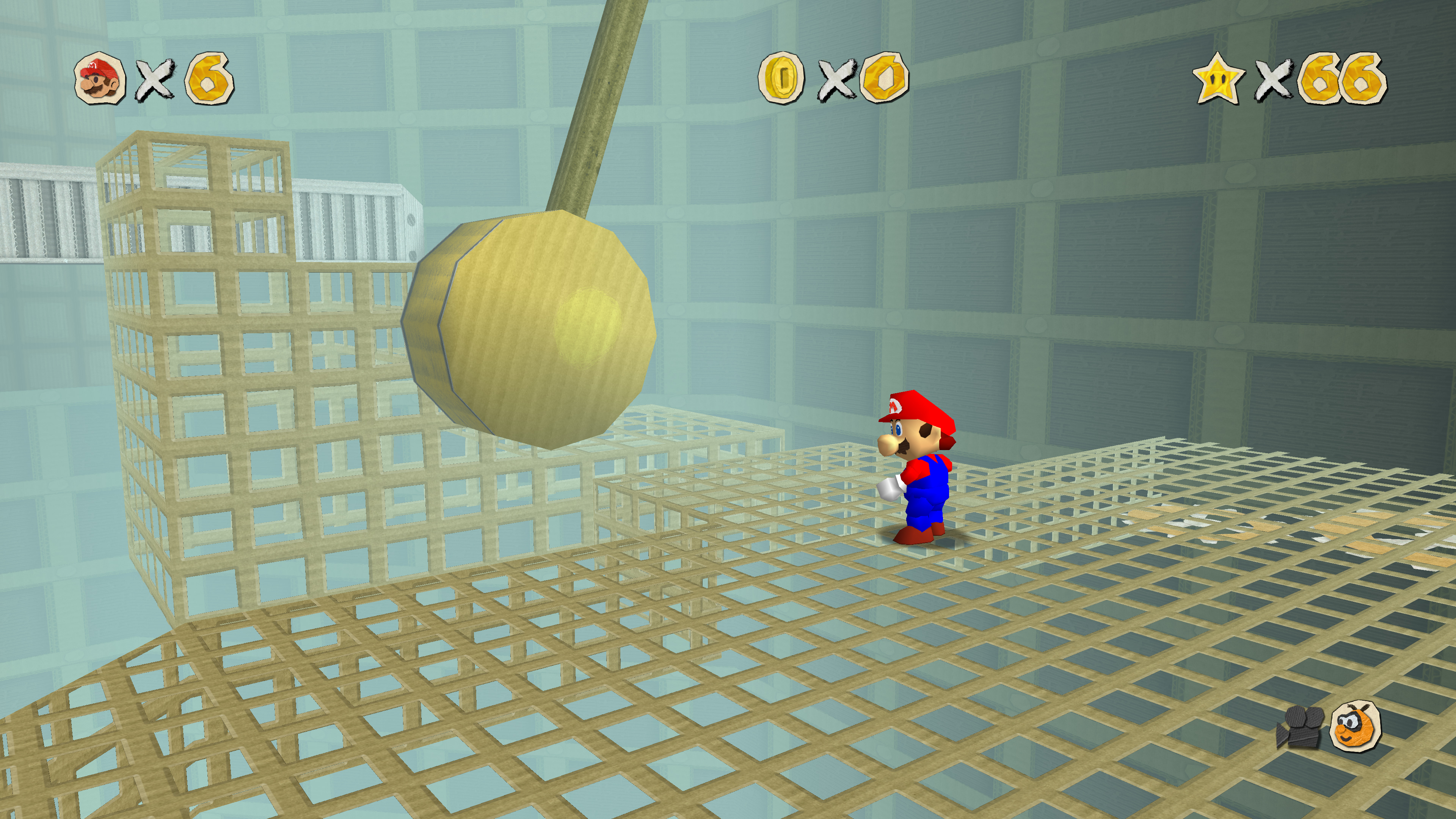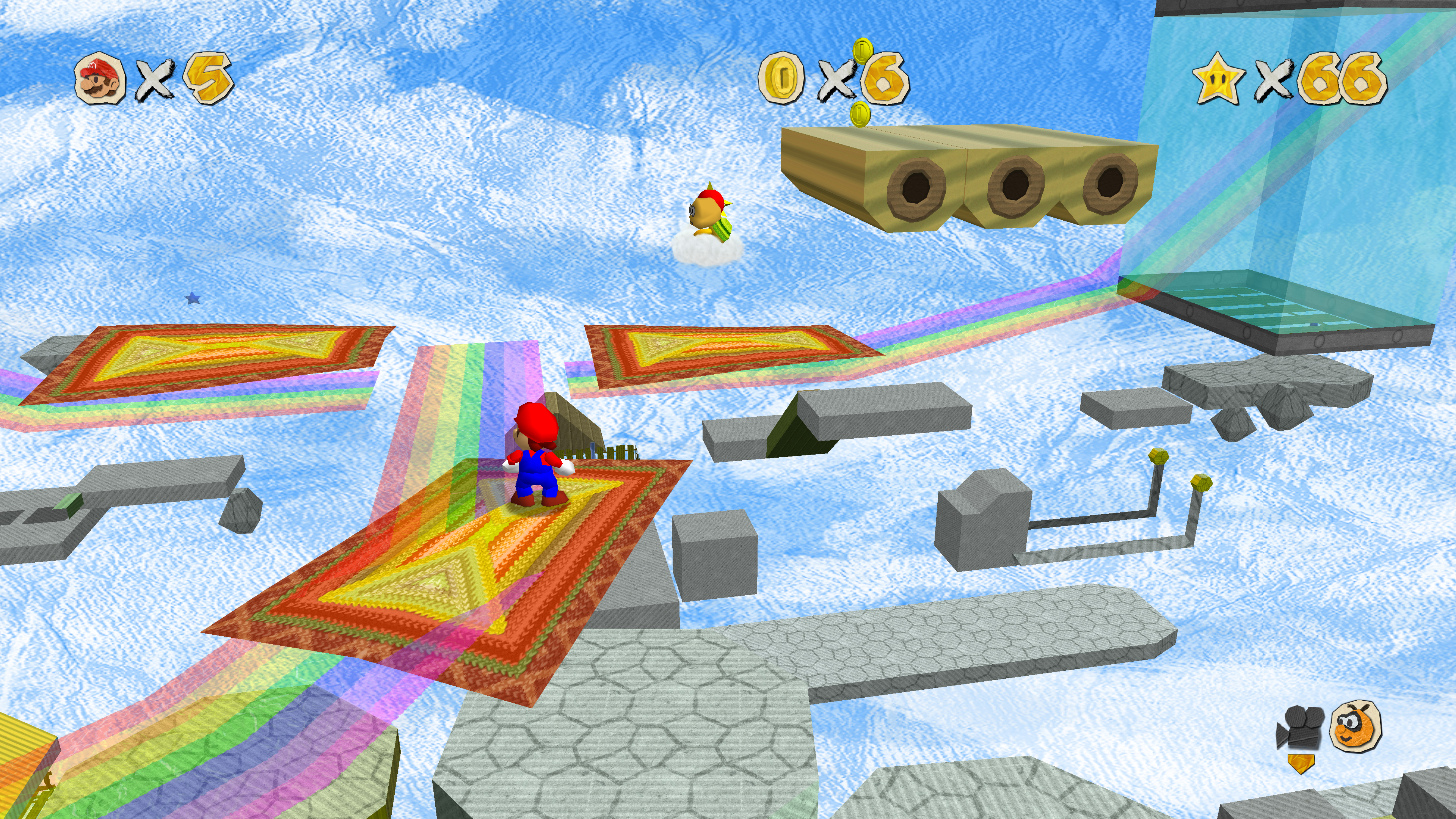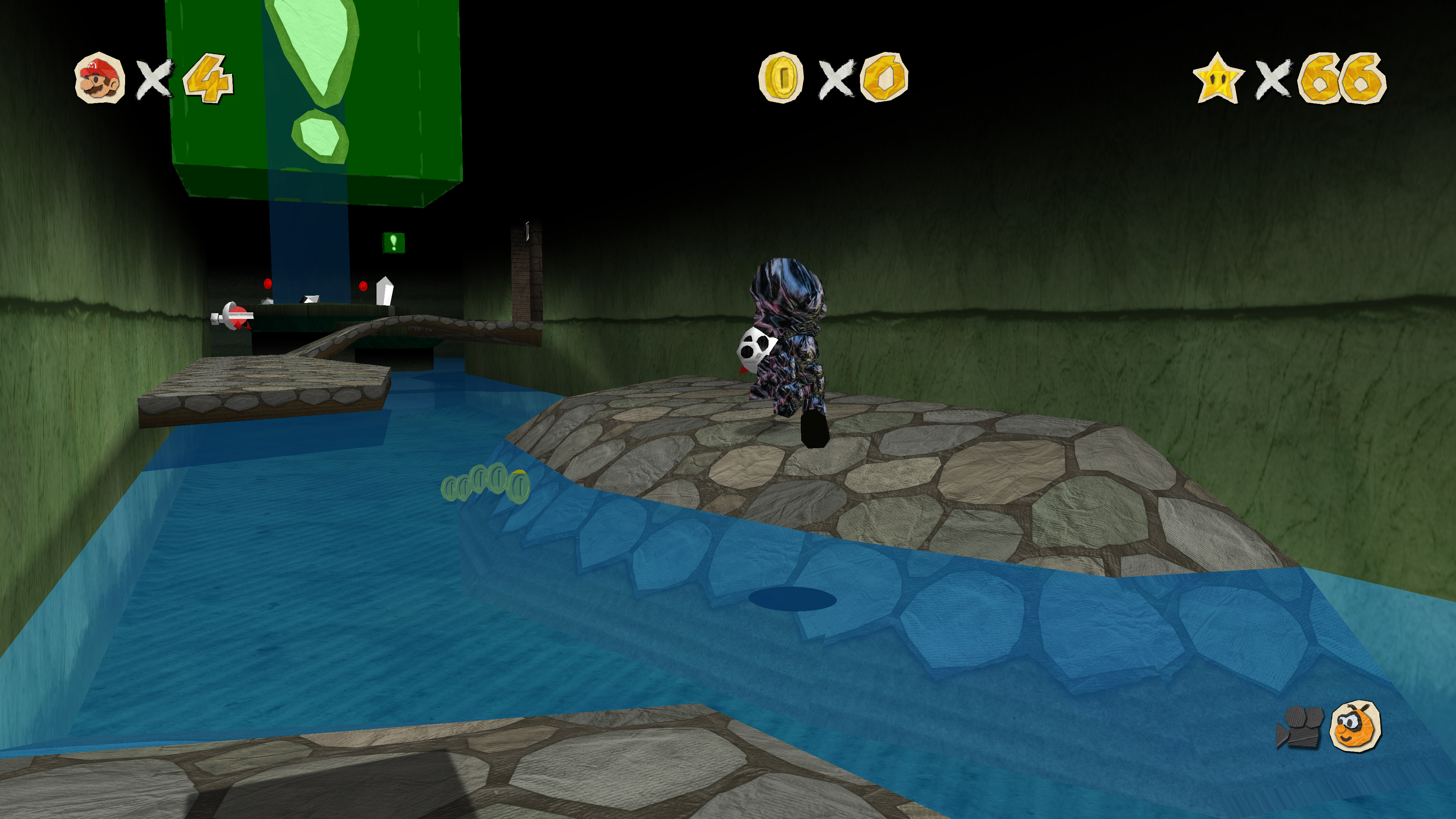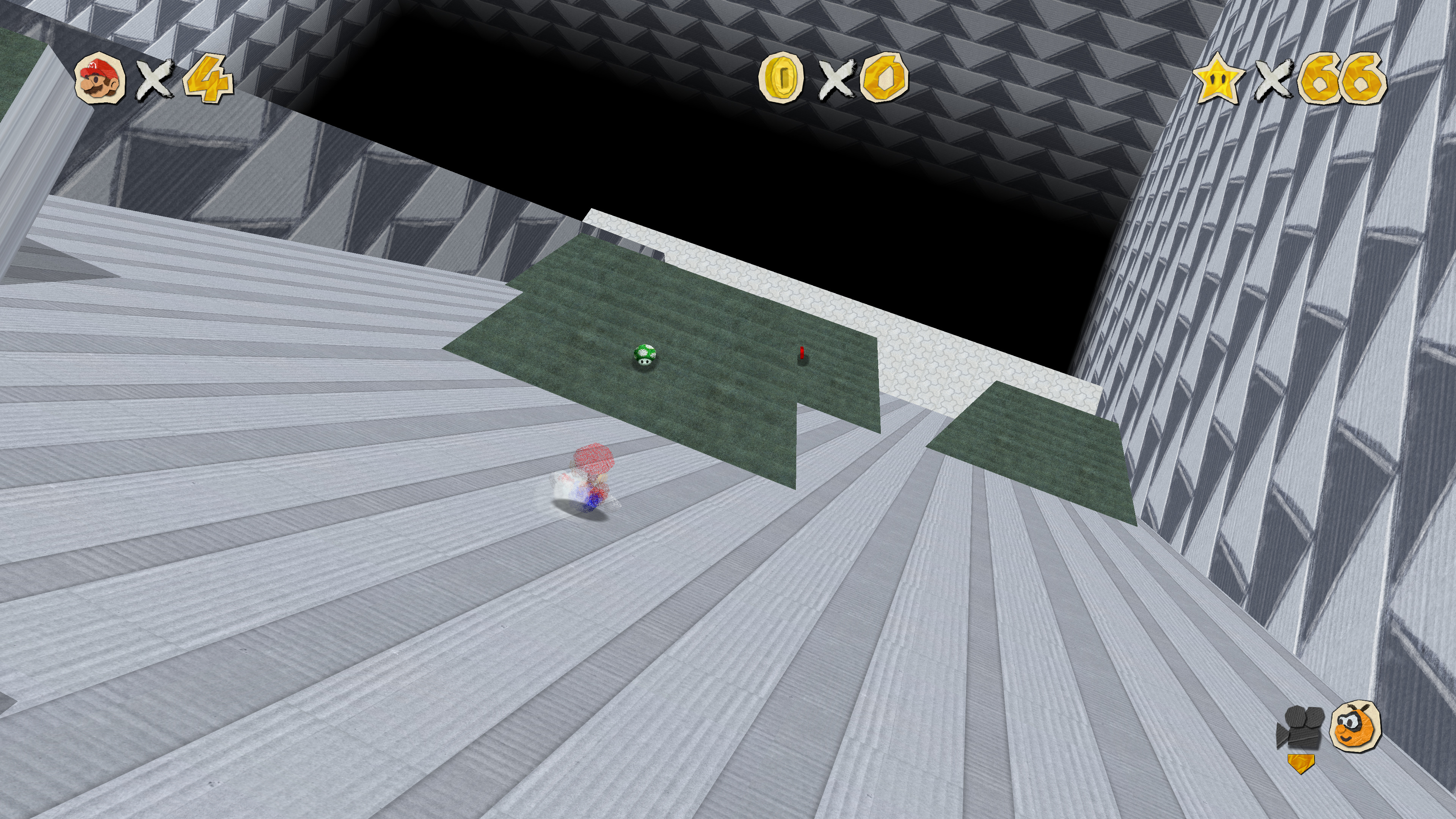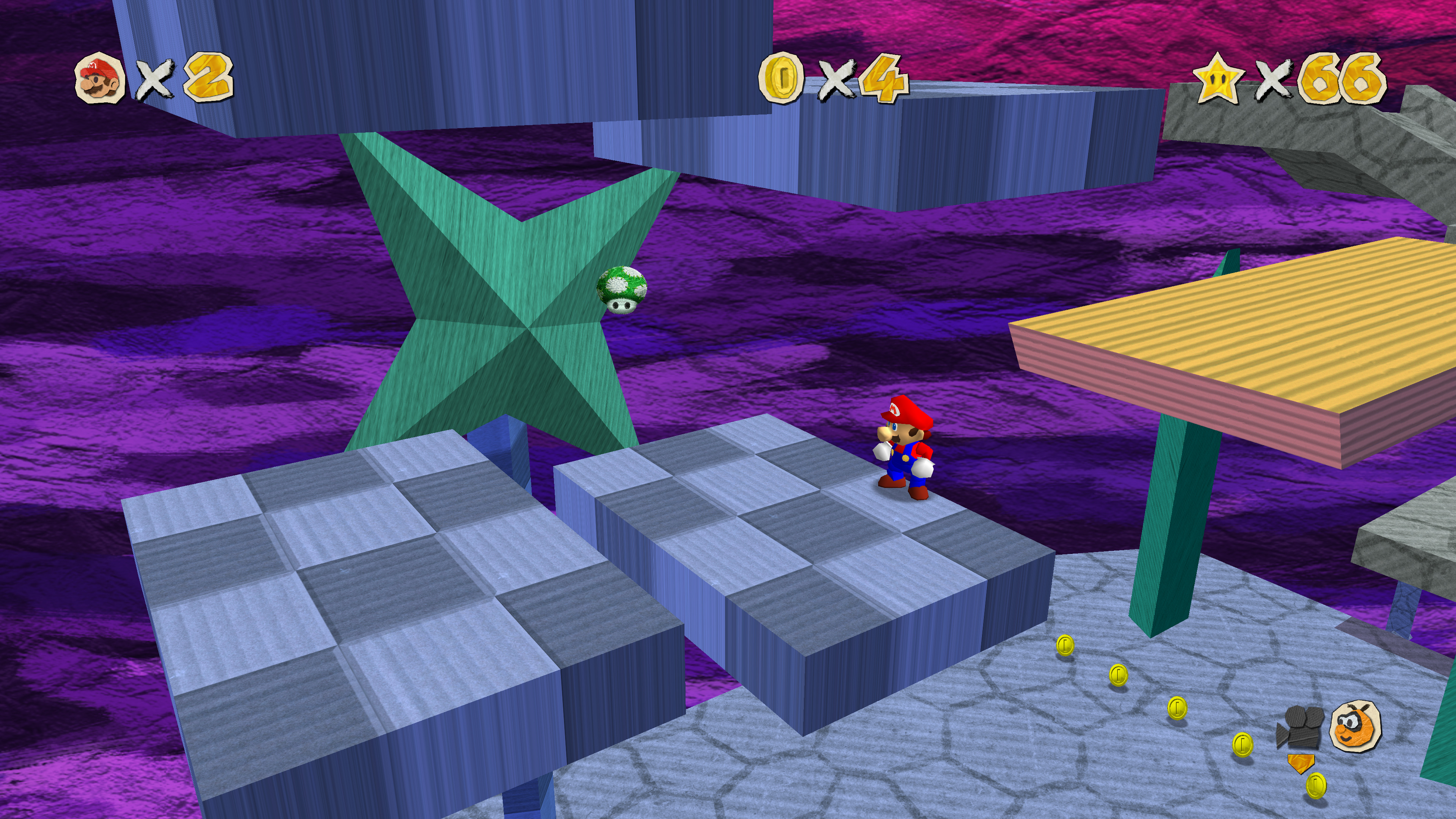
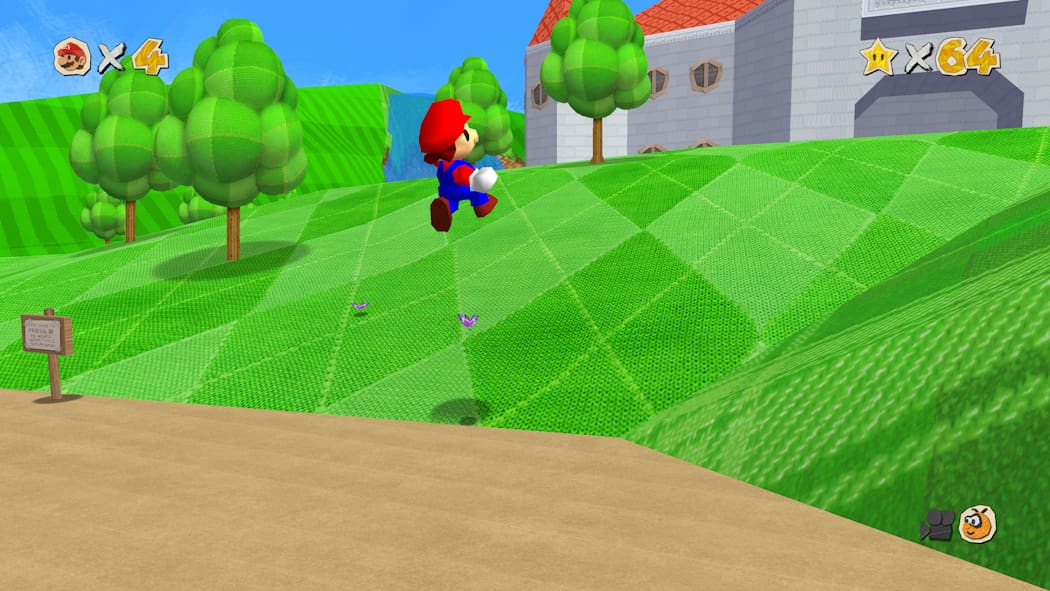
(Bild anklicken für mehr)
(click the image to see more)
Downloads
Autor:Author: Hypatia
Letztes Update:Last Updated: 2026-02-18
Release: v1.3
Fortschritt:Progress: 100%
GLideN64 Cache
GLideN64 / rt64 Source
Jabo PNG
Source: GitHub
Source: Original Pack
Autor:Author: Hypatia
Letztes Update:Last Updated: 2026-02-18
Release: v1.3
Fortschritt:Progress: 100%
Dolphin DDS
Dolphin Source
Source: GitHub
Source: Original Pack
Autor:Author: Hypatia
Letztes Update:Last Updated: 2026-02-18
Release: v1.3
Fortschritt:Progress: 100%
sm64ex
sm64rt
Source: GitHub
Source: Original Pack
Autor:Author: Hypatia
Letztes Update:Last Updated: 2026-02-18
Release: v1.3
Fortschritt:Progress: 100%
Ghostship O2R
Ghostship Source
Source: GitHub
Source: Original Pack
Autor:Author: Hypatia
Letztes Update:Last Updated: 2026-02-18
Release: v1.3
Fortschritt:Progress: 100%
rt64 DDS
Source: GitHub
Source: Original Pack
Instructions
Platforms
Emulators
- EMG (mupen64plus)
- RMG (mupen64plus)
- Project64
- Rosalie's Online Installer (Project64)
- Dolphin
Project64
- Die HTS-Datei wandert in: Project64/Plugin/GFX/cache
- Wählt im Emulator GLideN64 als Video Plugin unter Options/Settings aus
- Aktiviert Use texture pack
- Use file storage instead of memory cache unter Use texture pack
- Setzt Fix black lines between 2D elements auf For adjacent 2D elements
- HTS file goes to: Project64/Plugin/GFX/cache
- Open Options/Settings in the emulator and select GLideN64 as video plugin
- Enable Use texture pack
- Use file storage instead of memory cache under Use texture pack
- Set Fix black lines between 2D elements to For adjacent 2D elements
mupen64plus
- HTS-Datei kommt in:
- Windows: %appdata%/mupen64plus/cache
- Linux: ~/.cache/mupen64plus/cache
- macOS: ~/Library/Application Support/Mupen64plus/cache
- Aktiviert txHiresEnable
- Schaltet txHiresTextureFileStorage an
- Setzt CorrectTexrectCoords auf 1 (Auto)
- HTS file goes to:
- Windows: %appdata%/mupen64plus/cache
- Linux: ~/.cache/mupen64plus/cache
- macOS: ~/Library/Application Support/Mupen64plus/cache
- Activate txHiresEnable
- Turn on txHiresTextureFileStorage
- Set CorrectTexrectCoords to 1 (Auto)
mupen64plus-nx
- Ladet RetroArch herunter
- Die HTS-Datei wandert in: RetroArch/system/Mupen64plus/cache
- Stellt Use High-Res textures auf On
- Ändert Use High-Res Full Alpha Channel auf On
- Setzt Use enhanced Hi-Res Storage auf On
- Stellt Continuous texrect coords auf Auto
- Download RetroArch
- HTS file goes to: RetroArch/system/Mupen64plus/cache
- Set Use High-Res textures to On
- Set Use High-Res Full Alpha Channel to On
- Set Use enhanced Hi-Res Storage to On
- Set Continuous texrect coords to Auto
Dolphin
- Ladet das neueste Dolphin Development Build herunter
- File ⇢ Open User Folder: In Load/Textures kopiert ihr die Texturen
- DDS oder PNG kommen in Load/Textures
- Graphics ⇢ Advanced: Load Custom Textures
- Grab latest Dolphin development build
- File ⇢ Open User Folder: Copy textures into Load/Textures
- Graphics ⇢ Advanced: Load Custom Textures
sm64ex
Verwendet den sm64pcbuilder2 um sm64ex (nightly oder coop) mit External Data oder einen anderen Fork zu kompilieren. Navigiert in den Ordner res. Kopiert die ZIP-Datei mit den HD-Texturen in den Ordner. Ist keine ZIP-Datei vorhanden, so entpackt ihr base.zip und die ZIP-Datei mit den HD-Texturen. Ihr könnt alternativ die ZIP-Datei mit den HD-Texturen vor der Kompilation auswählen. Für sm64rt (RT64) könnt ihr entweder die PNG-Packs oder das DDS-Pack für bessere Performance verwenden (letzteres funktioniert womöglich nicht mit Render96-RT).
Use sm64pcbuilder2 to compile sm64ex (nightly or coop) or a similar fork with External Data. Navigate to the folder res. Copy the ZIP file containing the HD textures into that folder. If no ZIP file exists, unpack base.zip first and then unpack the ZIP file containing the HD textures. One may alternatively select the ZIP file containing the HD textures before compiling. For sm64rt (RT64), you may either use a PNG pack or choose the DDS pack for better performance (the latter may not work with Render96-RT).
Ghostship
- Die O2R-Dateien müssen in den Ordner: mods. Drückt Escape um das Menü während des Spielens zu öffnen und aktiviert Use Alternate Assets. Ihr könnt auch Tab drücken um die Texturen zu (de)aktivieren.
- Alternativ: Eigene O2R generieren
- O2R files go into the mods directory. Press Escape to unhide the menu in-game and enable Use Alternate Assets. You may instead press Tab to toggle the textures.
- Alternatively: Generate O2R from PNG files
Features
GLideN64 Releases
- HD: Texturen wurden auf 50% der vollen Größe herunterskaliert
- HD: All textures have been downscaled to 50% of their full resolution
Dolphin Releases
- DDS: Verlustbehaftet, lädt schneller und verbraucht weniger RAM
- PNG: Quelldateien – nicht für herkömmliche Spielesessions geeignet
- DDS: Lossy texture format that loads fast and requires less memory
- PNG: Source files – not recommended for regular play
N64 ROM Headers
Die chinesischen iQue ROMs besitzen keinen N64 ROM Header und beinhalten daher auch keine interne ROM-Bezeichnung. Diese wird allerdings von GLideN64 zum Dumpen und Laden von Texturen vorausgesetzt. Die verfügbaren Patches decken alle iQue ROMs ab und fügen der ROM den Japanischen oder, sofern verfügbar, den US-amerikanischen ROM Header hinzu. Einige Majora's Mask ROMs und die Shindou Edition von Super Mario 64 haben einen alternativen ROM-Namen im Header. Auch hierfür gibt es Patches um den ROM-Namen anzugleichen.
Chinese iQue ROMs do not contain a traditional N64 ROM header and are thus missing the internal ROM name which is required by GLideN64 to dump and load textures. Patches for all iQue ROMs are included that patch in either a Japanese or preferably an US ROM header. Some Majora's Mask ROMs and the Shindou Edition of Super Mario 64 contain a different ROM name. There are also patches to fix that.
Credits
- GhostlyDark: Porting work and texture fixes (duplicates, odd resolutions, seams)
- Hypatia: Main creator of Mario Craft 64 - she loves u