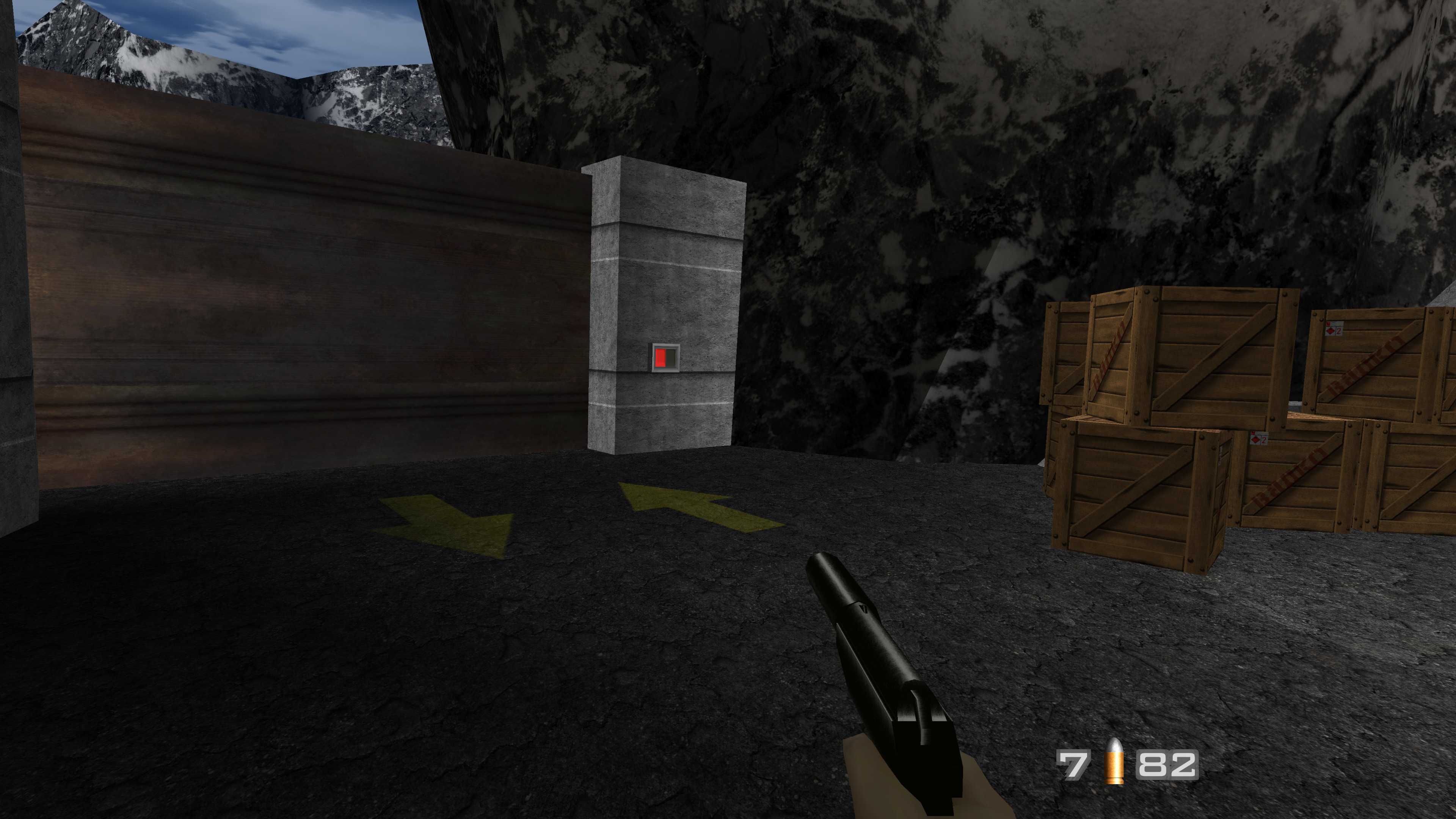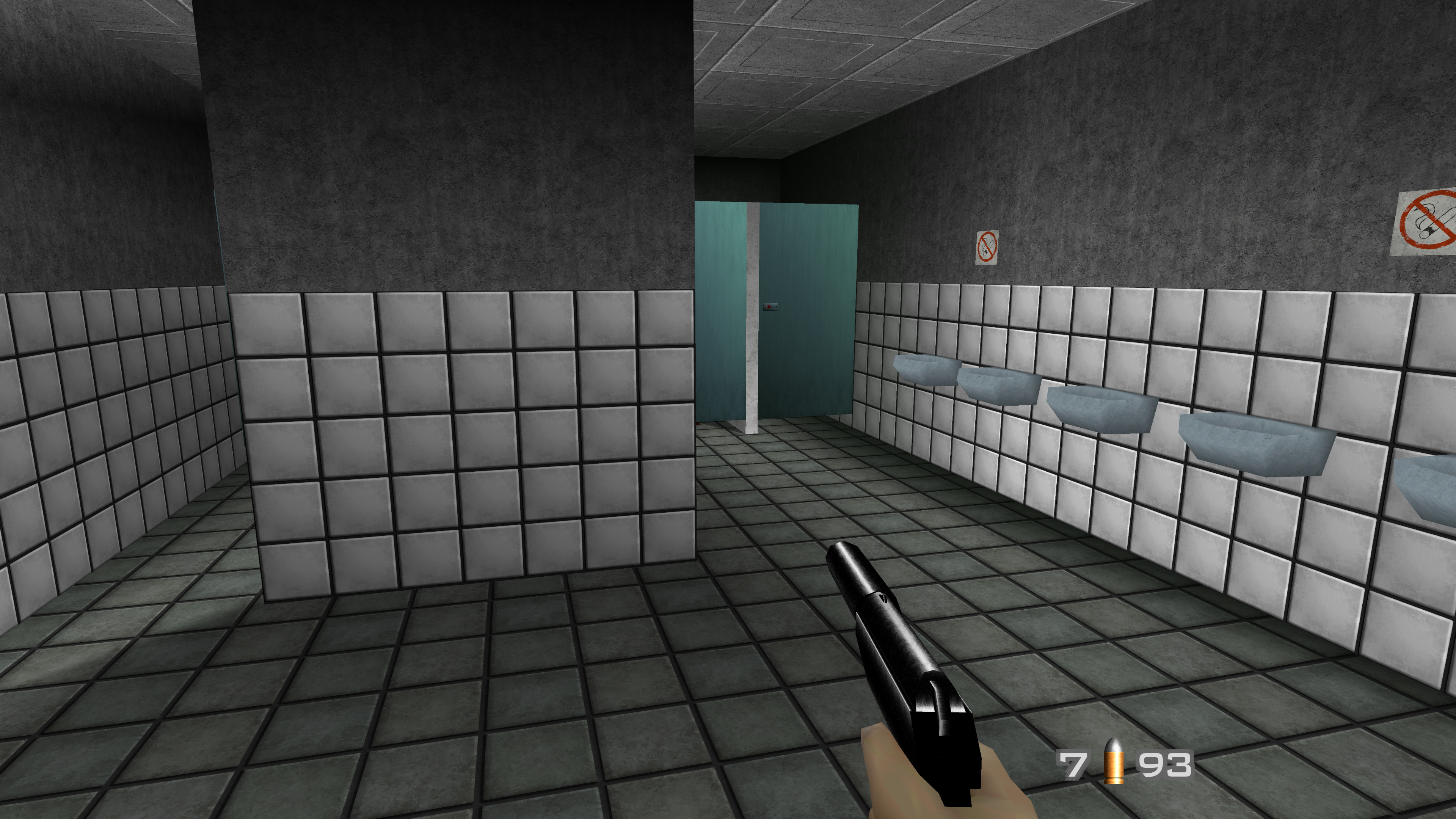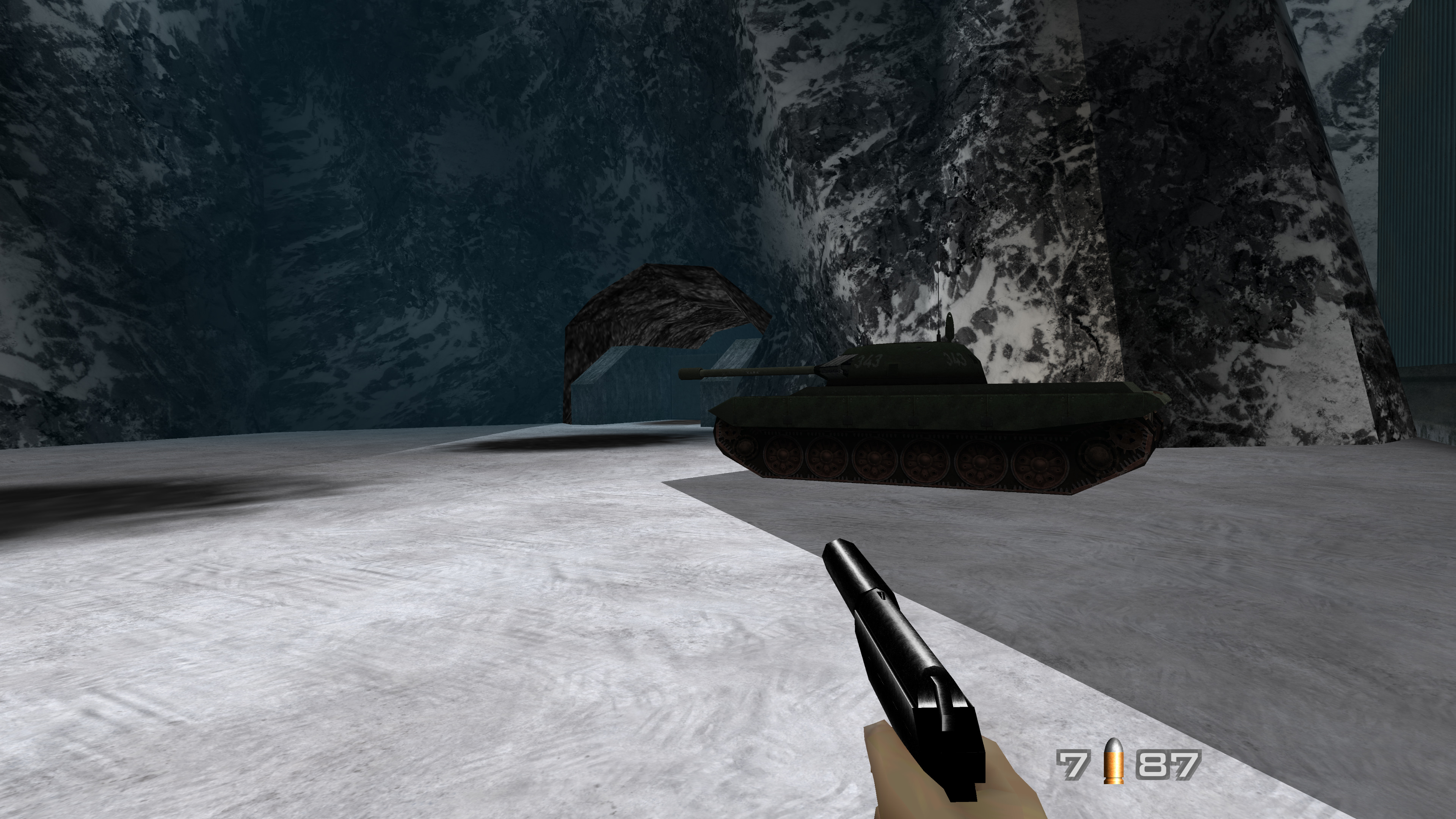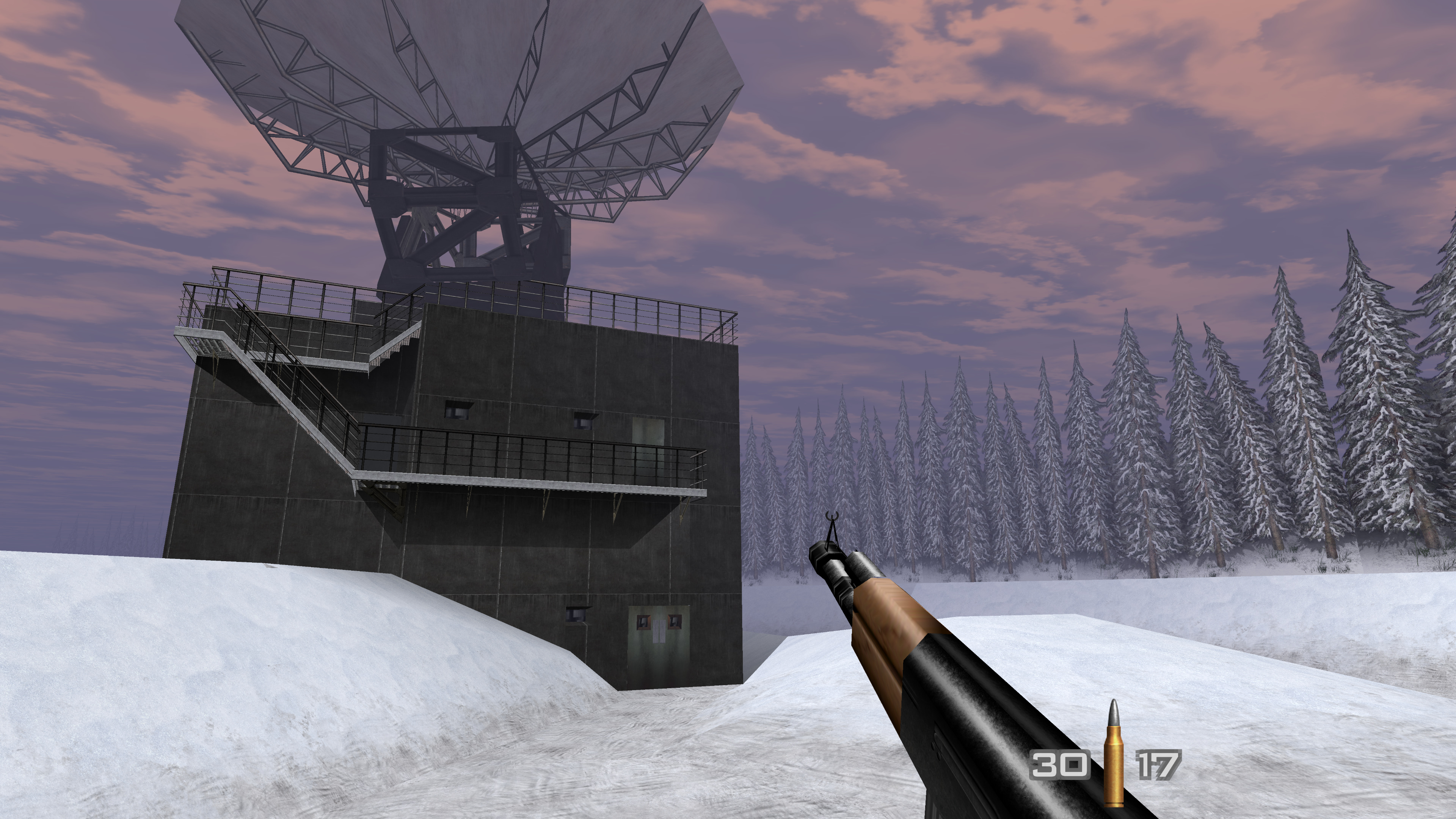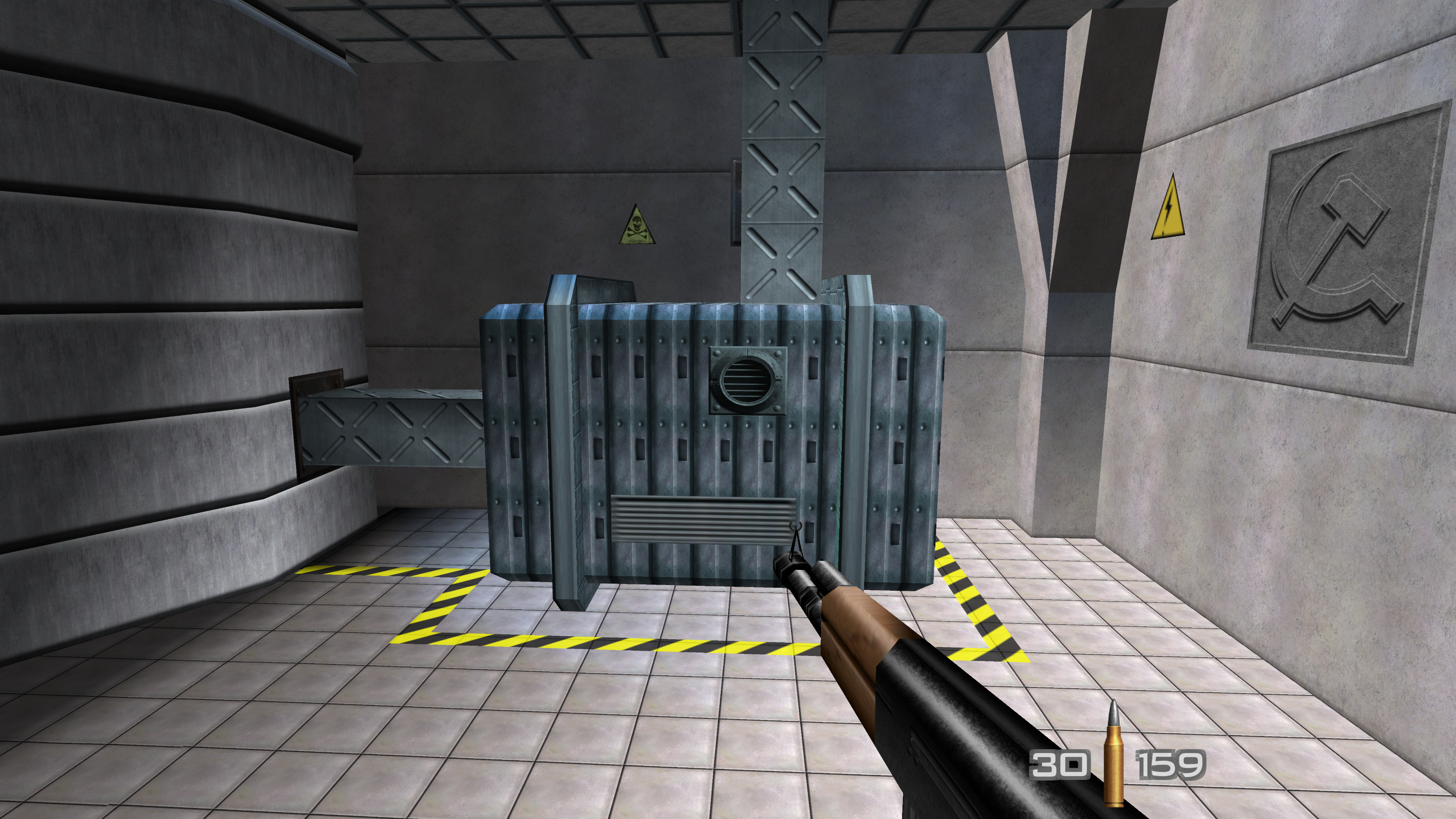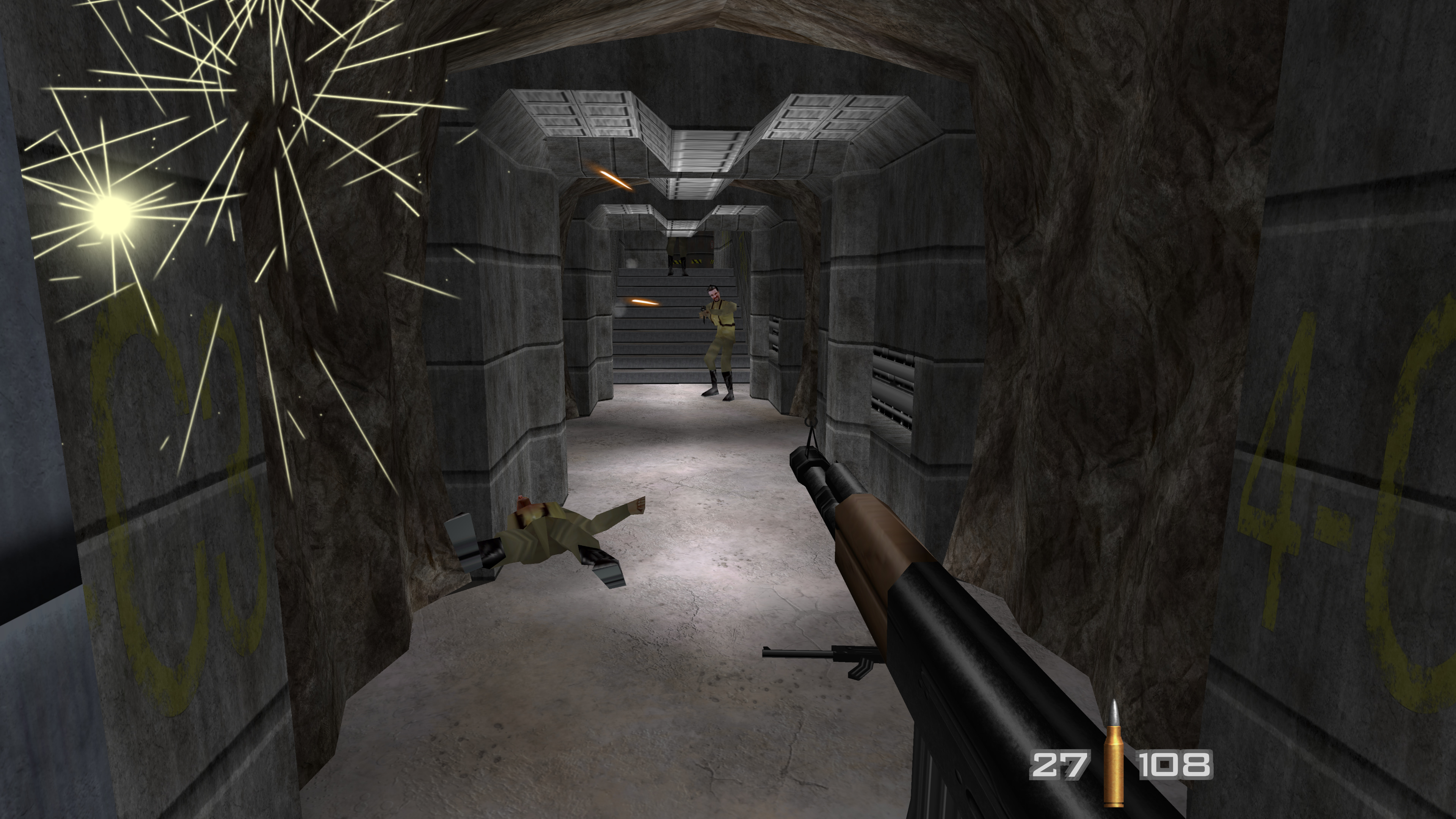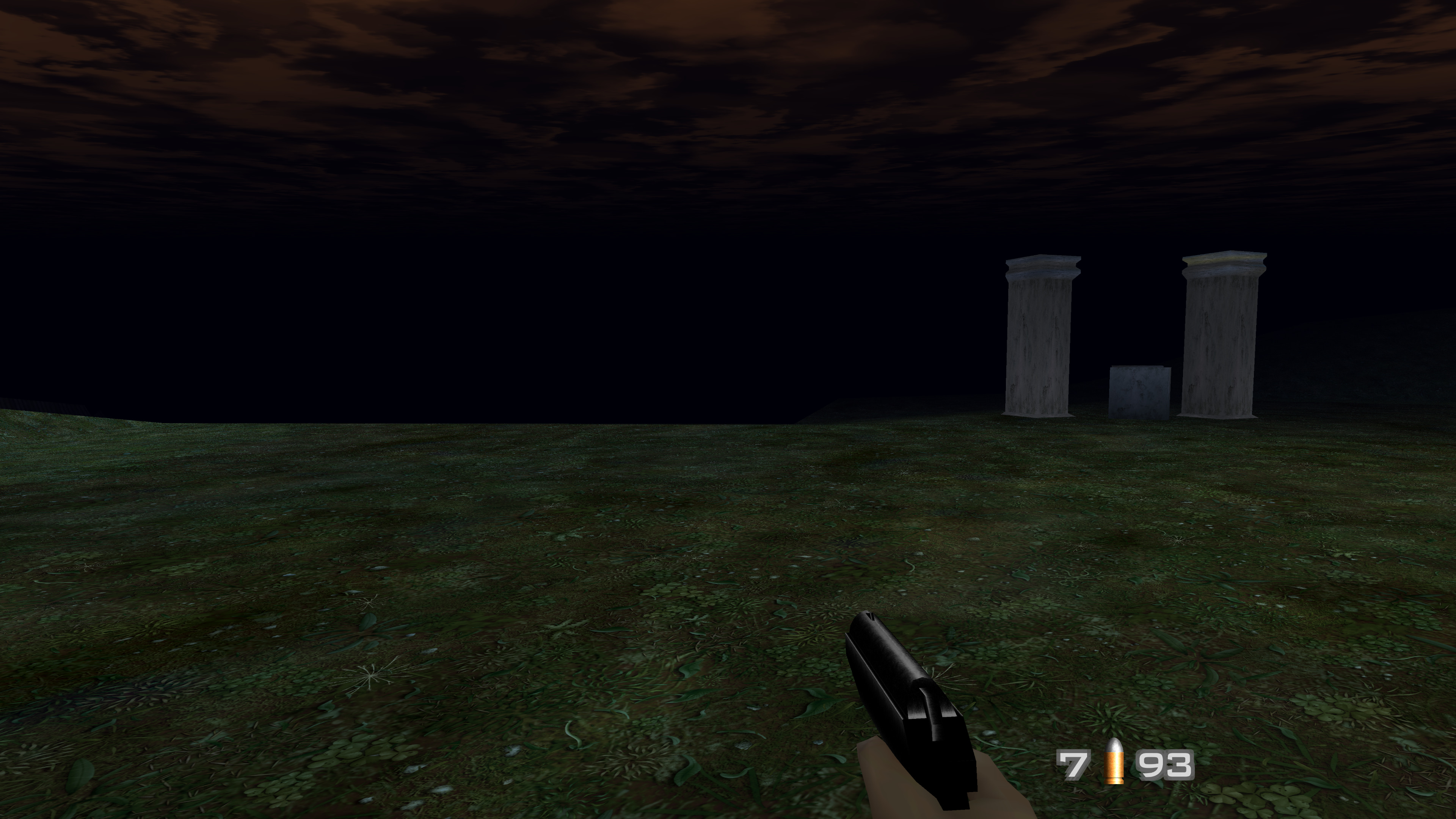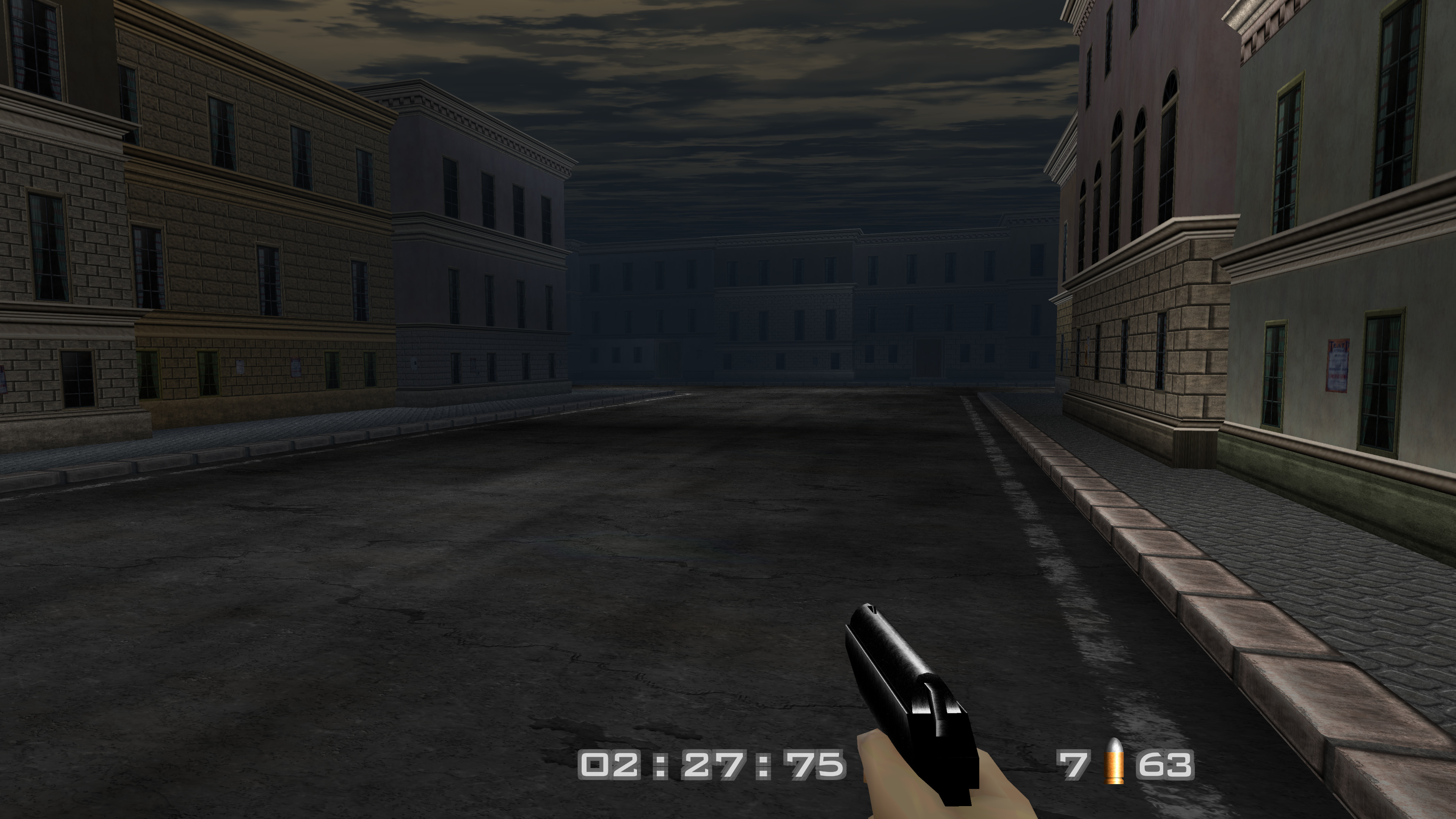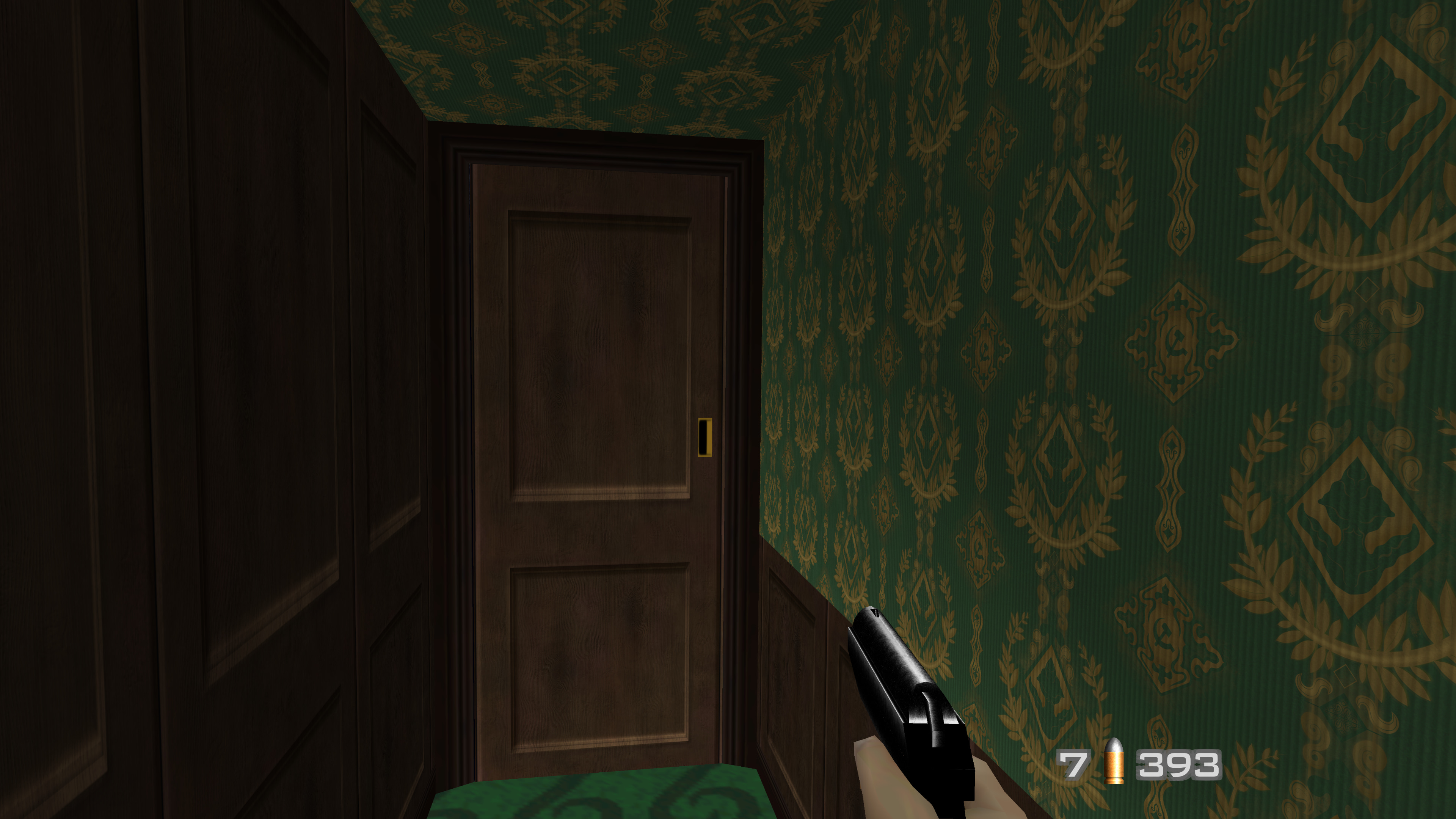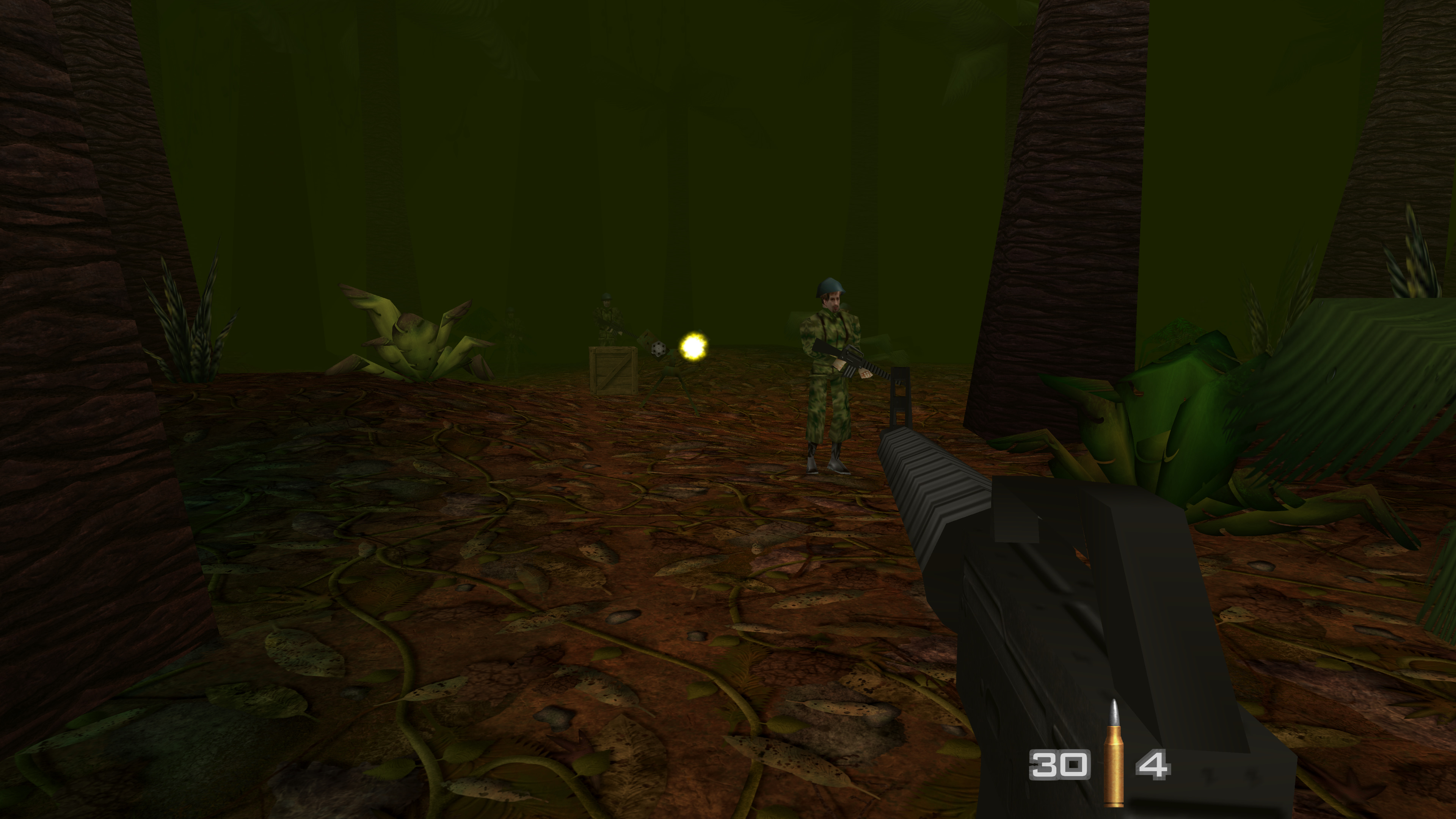
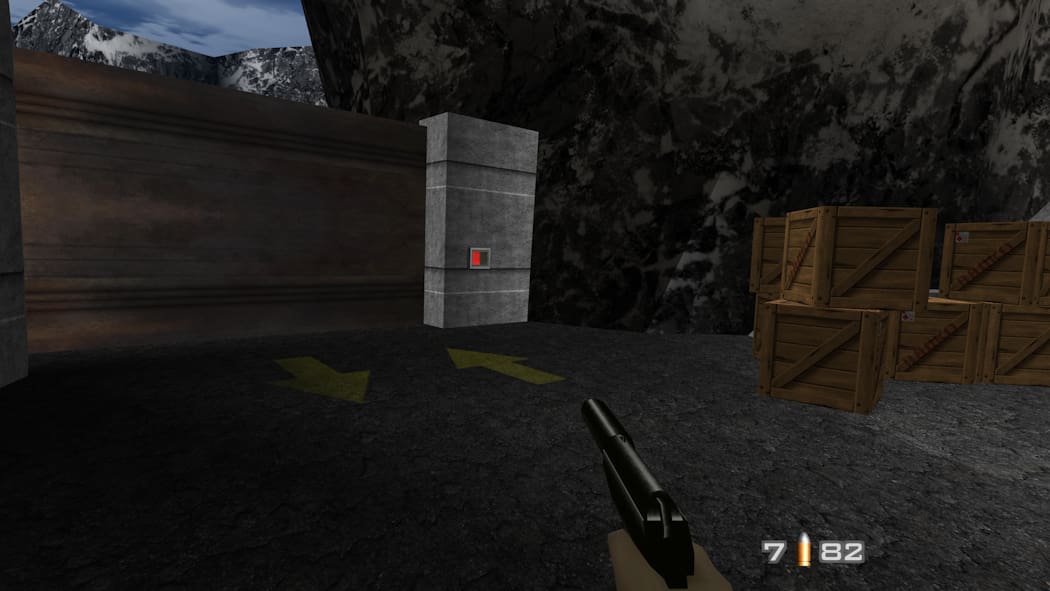
(Bild anklicken für mehr)
(click the image to see more)
Downloads
Autor:Author: intermissionfb
Release: v2025.12.30
Fortschritt:Progress: WIP
GLideN64 Cache
GLideN64 Source
Source: GitHub
Instructions
Emulators
- EMG (mupen64plus)
- RMG (mupen64plus)
- Project64
- Rosalie's Online Installer (Project64)
Project64
- Die HTS-Datei wandert in: Project64/Plugin/GFX/cache
- Wählt im Emulator GLideN64 als Video Plugin unter Options/Settings aus
- Aktiviert Use texture pack
- Use file storage instead of memory cache unter Use texture pack
- Setzt Fix black lines between 2D elements auf For adjacent 2D elements
- Deaktiviert inaccurate texture coordinates
- Deaktiviert N64-style mip-mapping
- HTS file goes to: Project64/Plugin/GFX/cache
- Open Options/Settings in the emulator and select GLideN64 as video plugin
- Enable Use texture pack
- Use file storage instead of memory cache under Use texture pack
- Set Fix black lines between 2D elements to For adjacent 2D elements
- Disable inaccurate texture coordinates
- Disable N64-style mip-mapping
mupen64plus
- HTS-Datei kommt in:
- Windows: %appdata%/mupen64plus/cache
- Linux: ~/.cache/mupen64plus/cache
- macOS: ~/Library/Application Support/Mupen64plus/cache
- Aktiviert txHiresEnable
- Schaltet txHiresTextureFileStorage an
- Setzt CorrectTexrectCoords auf 1 (Auto)
- Ändert EnableInaccurateTextureCoordinates auf False
- Setzt EnableLOD auf False
- HTS file goes to:
- Windows: %appdata%/mupen64plus/cache
- Linux: ~/.cache/mupen64plus/cache
- macOS: ~/Library/Application Support/Mupen64plus/cache
- Activate txHiresEnable
- Turn on txHiresTextureFileStorage
- Set CorrectTexrectCoords to 1 (Auto)
- Set EnableInaccurateTextureCoordinates to False
- Set EnableLOD to False
mupen64plus-nx
- Ladet RetroArch herunter
- Die HTS-Datei wandert in: RetroArch/system/Mupen64plus/cache
- Stellt Use High-Res textures auf On
- Ändert Use High-Res Full Alpha Channel auf On
- Setzt Use enhanced Hi-Res Storage auf On
- Stellt Continuous texrect coords auf Auto
- Ändert Enable inaccurate texture coordinates auf Off
- Setzt LOD Emulation auf Off
- Download RetroArch
- HTS file goes to: RetroArch/system/Mupen64plus/cache
- Set Use High-Res textures to On
- Set Use High-Res Full Alpha Channel to On
- Set Use enhanced Hi-Res Storage to On
- Set Continuous texrect coords to Auto
- Set Enable inaccurate texture coordinates to Off
- Set LOD Emulation to Off
Features
GLideN64 Releases
- HD: Texturen wurden auf 50% oder 25% herunterskaliert
- HD: Downscaled most textures to 50% or 25% of their original size
Contributors
- intermissionfb (main creator)
- GhostlyDark (font textures, technical assistance)
Changelog
v2025.12.30
Initial release.