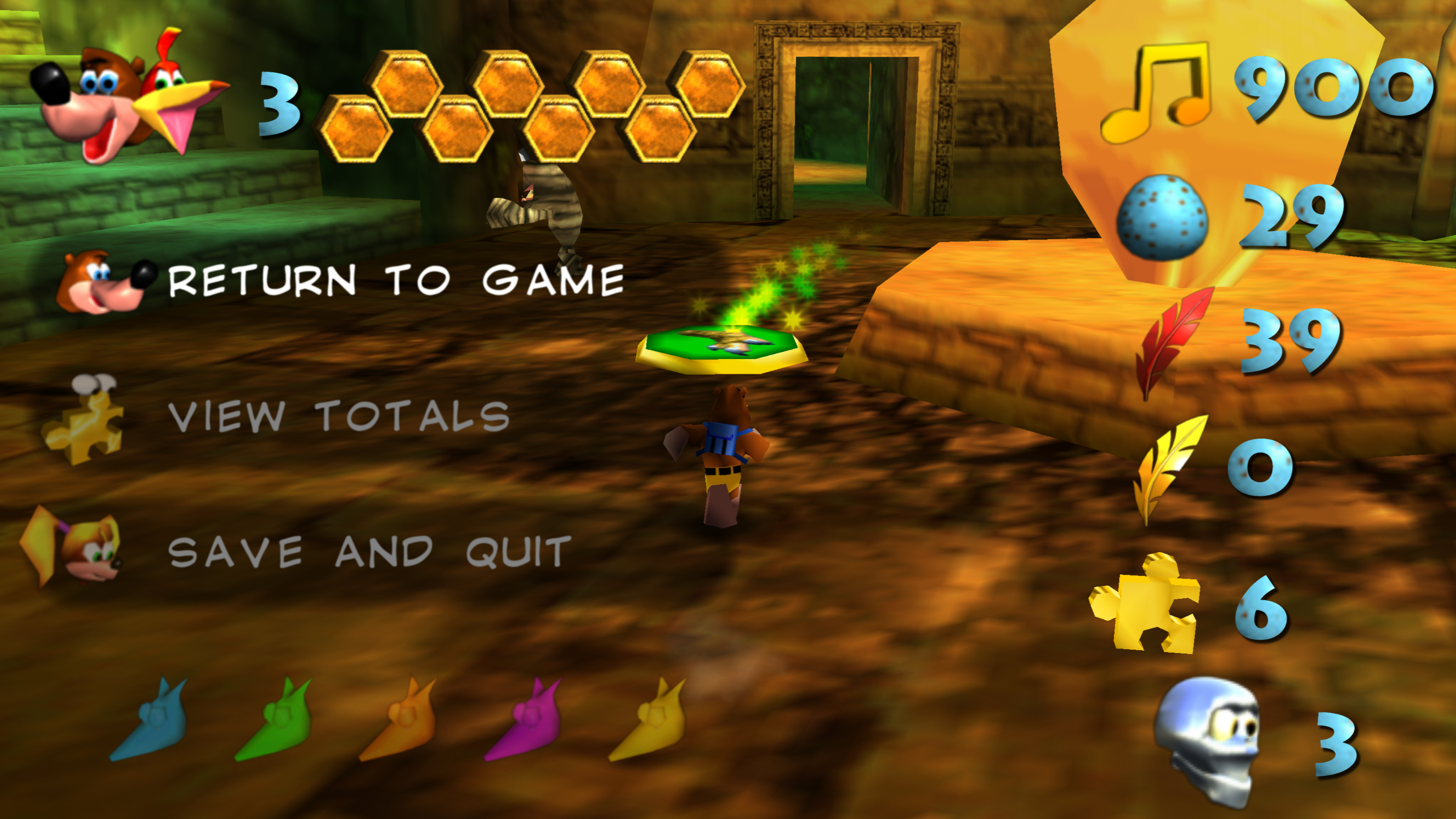
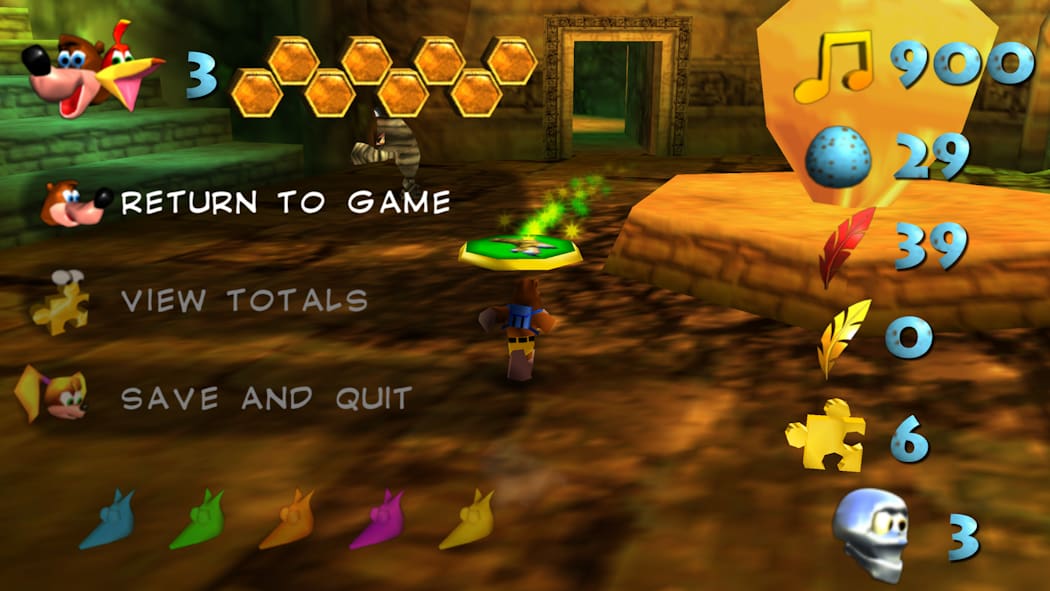
(Bild anklicken für mehr)
(click the image to see more)
Downloads
Autor:Author: GhostlyDark
Letztes Update:Last Updated: 2026-08-08
Release: v0.2.1
Fortschritt:Progress: UI only
GLideN64 Cache
GLideN64 / rt64 Source
Source: GitHub
Autor:Author: GhostlyDark
Letztes Update:Last Updated: 2026-08-08
Release: v0.2.1
Fortschritt:Progress: UI only
Lighthouse O2R
Lighthouse Source
Source: GitHub
Autor:Author: GhostlyDark
Letztes Update:Last Updated: 2026-08-08
Release: v0.2.1
Fortschritt:Progress: UI only
rt64 DDS (Recomp)
Source: GitHub
Instructions
Platforms
Emulators (GLideN64)
- EMG (mupen64plus)
- RMG (mupen64plus)
- Project64
- Rosalie's Online Installer (Project64)
Project64
- Die HTS-Datei wandert in: Project64/Plugin/GFX/cache
- Wählt im Emulator GLideN64 als Video Plugin unter Options/Settings aus
- Aktiviert Use texture pack
- Use file storage instead of memory cache unter Use texture pack
- Setzt Fix black lines between 2D elements auf For adjacent 2D elements
- Deaktiviert N64-style mip-mapping
- HTS file goes to: Project64/Plugin/GFX/cache
- Open Options/Settings in the emulator and select GLideN64 as video plugin
- Enable Use texture pack
- Use file storage instead of memory cache under Use texture pack
- Set Fix black lines between 2D elements to For adjacent 2D elements
- Disable N64-style mip-mapping
mupen64plus
- HTS-Datei kommt in:
- Windows: %appdata%/mupen64plus/cache
- Linux: ~/.cache/mupen64plus/cache
- macOS: ~/Library/Application Support/Mupen64plus/cache
- Aktiviert txHiresEnable
- Schaltet txHiresTextureFileStorage an
- Setzt CorrectTexrectCoords auf 1 (Auto)
- Setzt EnableLOD auf False
- HTS file goes to:
- Windows: %appdata%/mupen64plus/cache
- Linux: ~/.cache/mupen64plus/cache
- macOS: ~/Library/Application Support/Mupen64plus/cache
- Activate txHiresEnable
- Turn on txHiresTextureFileStorage
- Set CorrectTexrectCoords to 1 (Auto)
- Set EnableLOD to False
mupen64plus-nx
- Ladet RetroArch herunter
- Die HTS-Datei wandert in: RetroArch/system/Mupen64plus/cache
- Stellt Use High-Res textures auf On
- Ändert Use High-Res Full Alpha Channel auf On
- Setzt Use enhanced Hi-Res Storage auf On
- Stellt Continuous texrect coords auf Auto
- Setzt LOD Emulation auf Off
- Download RetroArch
- HTS file goes to: RetroArch/system/Mupen64plus/cache
- Set Use High-Res textures to On
- Set Use High-Res Full Alpha Channel to On
- Set Use enhanced Hi-Res Storage to On
- Set Continuous texrect coords to Auto
- Set LOD Emulation to Off
BanjoRecomp
- Ladet die RTZ-Datei herunter.
- Startet das Spiel und öffnet das Mod-Menü. Die RTZ-Datei kann per Drag and Drop oder über Install Mods eingespielt werden.
- Download the .rtz file.
- Launch the game and go into the mods menu. You may drop the file on top of the game window or use the Install Mods button.
Lighthouse
Die O2R-Dateien müssen in den Ordner: mods. Ihr könnt Tab drücken um die Texturen zu (de)aktivieren. Drückt Escape um das Einstellungsmenü zu öffnen, welches ein Mod-Menü hat, mit welchem installierte Mods angepasst werden können.
O2R files go into the mods directory. You may instead press Tab to toggle the textures. Press Escape to open the settings menu, which contains a mod menu to manage currently installed mods.
Credits
Contributors:
- GhostlyDark: Main pack creator
- brochacho: Flight and shock jump pad, Grunty (Final) portrait, Puzzle transition
- Cloudy: Japanese in-game font
- Granvillimus: Gold shine, Health animation icons, Level names
- intermissionfb: GoldenEye 007 HD textures
- James: Control Stick animation
- Jorginator: Health animation icons (original render)
- toonjoey: Mumbo painting in Mad Monster Mansion
Changelog
v0.2.1 (2026-08-08)
- Lighthouse: Added French letters
- Added Japanese in-game font (feat. Cloudy)
- Added level name textures (feat. Granvillimus)
- Added Rare logo and puzzle piece texture (feat. Granvillimus)
- Improved health animation icons (by Jorginator and Granvillimus)
- Updated GE007 texture ports
v0.2.0 (2026-03-10)
- rt64: Shift transition textures
- Added missing textured font letters
- Added unused German in-game font letters for US version
- Fixed Empty Honeycomb animation
- Fixed Juju animation
- Improved and added missing European in-game letters
- Improved Control Stick animation (feat. James)
- Improved flight and shock jump pads (feat. brochacho)
- Improved Freezeezy Peak Banjo-Kazooie painting
- Improved Grunty (Final) portrait (feat. brochacho)
- Improved Mumbo painting in Mad Monster Mansion (by toonjoey)
- Improved puzzle transition (feat. brochacho)
- Partially retextured Jiggies of Time, Stay at Home and Nostalgia 64 ROM hacks (feat. intermissionfb for GoldenEye 007 textures)
v0.1.1 (2026-01-06)
- Added Beta talking sprites
- Added Click Clock Wood switch textures
- Added Freezeezy Peak entrance textures
- Added Rusty Bucket Bay Jinjo flag
- Fixed Tiptup animation
- Fixed UI backdrop
v0.1.0 (2025-12-30)
Initial release.